
DaVinci Developer Adaptive
DaVinci Developer Adaptive simplifies the development of AUTOSAR Adaptive applications by combining modeling, configuration, and project management in a single tool. It supports engineers across all key steps of MICROSAR Adaptive development – from creating and editing models to validation and code generation. Integrated seamlessly into the Vector toolchain, it enables efficient workflows and ensures consistency throughout the entire development process.
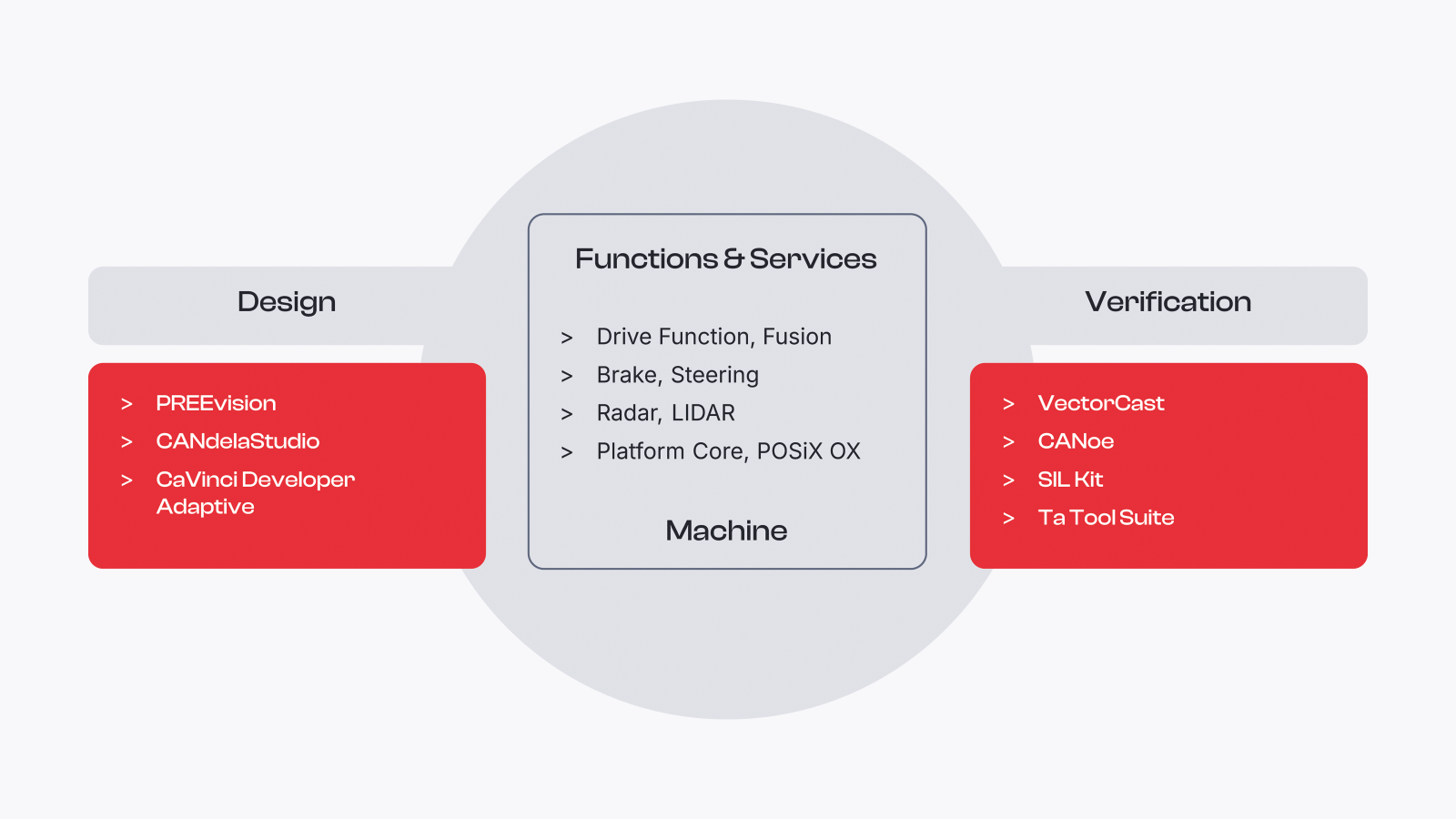
Key Benefits at a Glance
- Advanced configuration for Adaptive projects
Supports structured setup of AUTOSAR Adaptive systems in complex environments. - Clear navigation and usability
Provides a well‑structured interface for efficient and intuitive work. - Efficient model editing
Enables fast and convenient handling of system models. - Integrated in the Vector toolchain
Works seamlessly with Vector tools to support consistent development workflows.
Highlights of Version 3.2
- Faster and clearer setup
Generator configuration view streamlines configuration and improves transparency. - Improved command-line workflow
Auto-completion supports faster and more intuitive command handling. - Native AARCH64 support
Runs directly on modern ARM-based systems for flexible deployment.

Functions and Use Cases
DaVinci Developer Adaptive simplifies AUTOSAR Adaptive development with dedicated functionality across modeling, configuration, automation and validation.
Generic Editors – DaVinci Modeling Language (DML)
Model AUTOSAR Adaptive systems in a simplified way. Benefit from context-based auto-completion and live syntax validation to ensure consistent and correct DML models.
Generic Editors – AUTOSAR Model Explorer (AME)
Navigate and explore AUTOSAR meta models with ease. Use package-based and type-based views and quickly follow incoming and outgoing references.
Validation & Code Generation
Access MICROSAR Adaptive generators directly to validate configurations and generate code efficiently.
Comfort Editors
Configure systems efficiently with dedicated editors. Manage configurations, make changes quickly, and design applications centrally with the Application Design Center.
Project Dashboard
Create AUTOSAR Adaptive manifests efficiently with an intuitive user interface. The dashboard provides a clear project overview, highlights open tasks, and shows validation status at a glance.
Automation
Automate workflows by running custom scripts via the GUI or command line—for seamless integration into server-based environments.
Cheat Sheets
Get started quickly with guided cheat sheets. Follow predefined workflows and set up sample projects to familiarize yourself with the tool.
System Requirements
| Component | Recommended | Minimum |
| CPU | Octa-Core | Dual-Core |
| Memory (RAM) | 16 GB, 32 GB for large projects | 8 GB |
| Screen Resolution1 | 1920 x 1080 | 1680 x 1050 |
| Operating System | Windows 10 (64 Bit), Linux2 | Windows 10 (64 Bit), Linux2 |
| Disc | SSD | HDD |
1 DaVinci Developer benefits from higher clock rates rather than higher number of cores.
2 Optimized for X11 display server
Downloads
More Insights
MICROSAR Adaptive
Software Platform
Software Platform Services