
vMDM (Vector Measurement Data Management) enables efficient management of large volumes of measurement data from development, test benches and vehicle testing. The solution stores measurement data centrally, protects it using role-based access rights, tenant separation and encrypted data transfer, and supports collaboration across distributed teams. CPU-intensive analyses, classifications and reports are executed on the server without loading the engineer’s workstation.
Highlights
- Central data storage: Centrally store measurement data from test benches, testing, and endurance testing and make it available for specific projects.
- Targeted data access: Quickly identify relevant measurement data through structured indexing and flexible search and filter options.
- Offloaded analytics: Execute computationally intensive analyses, data mining and reports on the server without loading the workstation.
- Scalable operation: Multi‑user solution with role‑ and project‑based access, designed to handle growing volumes of measurement data.
- Seamless tool integration: Work directly from CANape and vSignalyzer and implement automated workflows via the PowerShell SDK and pyMDM.
Available Versions
vMDM pro SaaS
Data management and analysis as software-as-a-service without local installation or maintenance effort
vMDM fun SaaS
Data management and conversion of measurement data from Vector GL loggers
vMDM basic SaaS
Data management for raw measurement data from Vector GL loggers
vMDM pro Enterprise
On-premise solution deployed in the company’s data center
Functions
- Data import from CANape, vMeasure, Vector loggers as well as from local and network drives
- Secure storage and management of measurement data and associated files in the cloud with role-based read and write permissions
- Automatic indexing of measurement data based on metadata, analysis results and data from other systems
- Organization of measurement data in collections, for example by project or organizational unit
- Freely configurable pre-processing during import as well as conversion of measurement data in the cloud
- Interactive analysis of cloud‑stored measurement data using CANape or vSignalyzer
- Automated data analysis (data mining) and project‑specific report generation in vMDM
- Creation and visualization of statistical reports
- Automation of data import and export using the PowerShell SDK, pyMDM Python library and client application
Highlights of Version 5.0
New web UI:
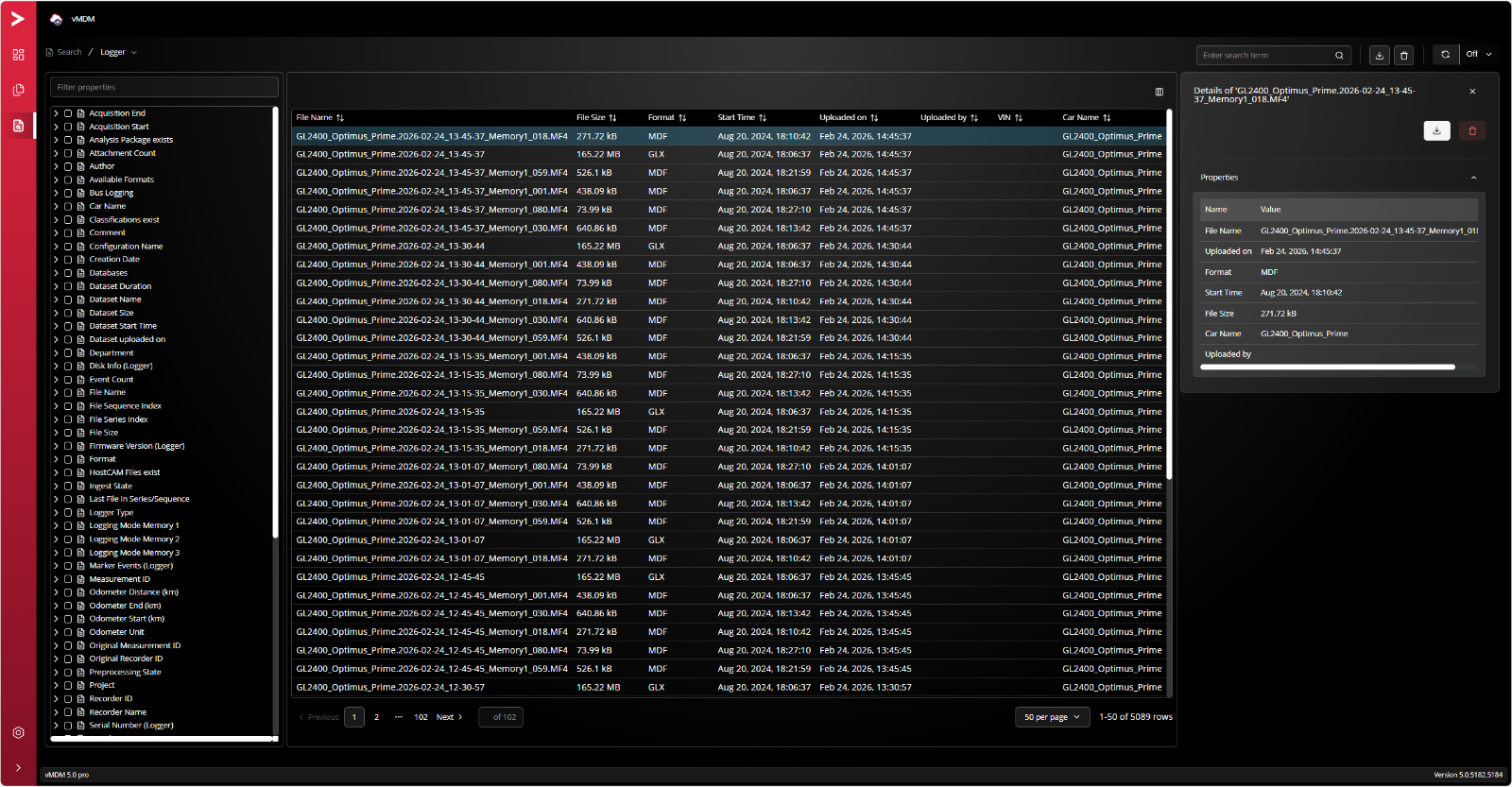
- Fast web access: Access measurement results and reports directly via the new web UI.
- Clear metadata insights: Quickly visualize and review metadata.
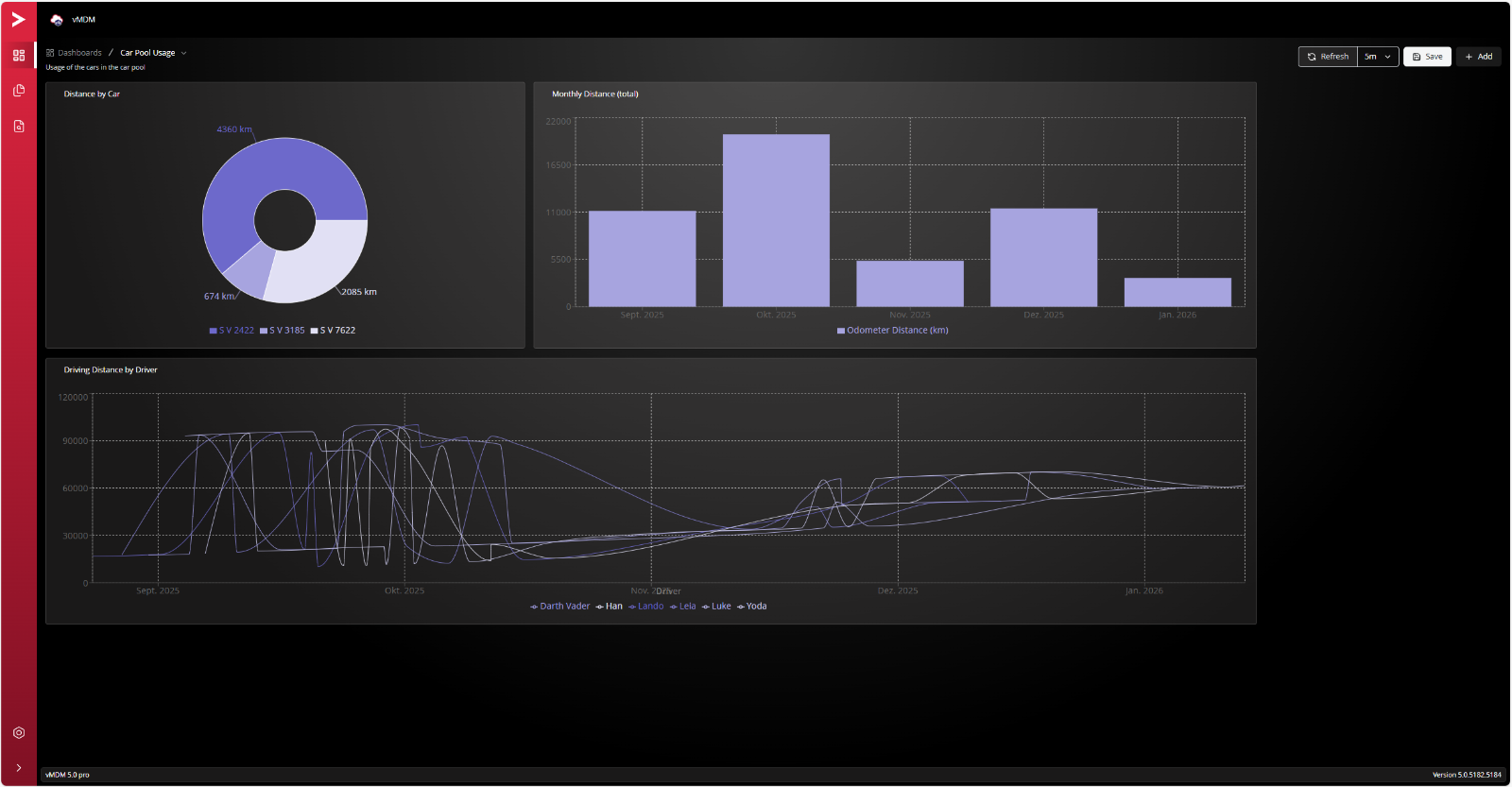
- Custom dashboards: Easily create dashboards for a wide range of use cases.
Up‑to‑date Python environment:
- Implement analyses and scripts with support for Python 3.14.
The New Mobile UI
Product Descriptions
| vMDM Product Information (PDF) |
Related Products