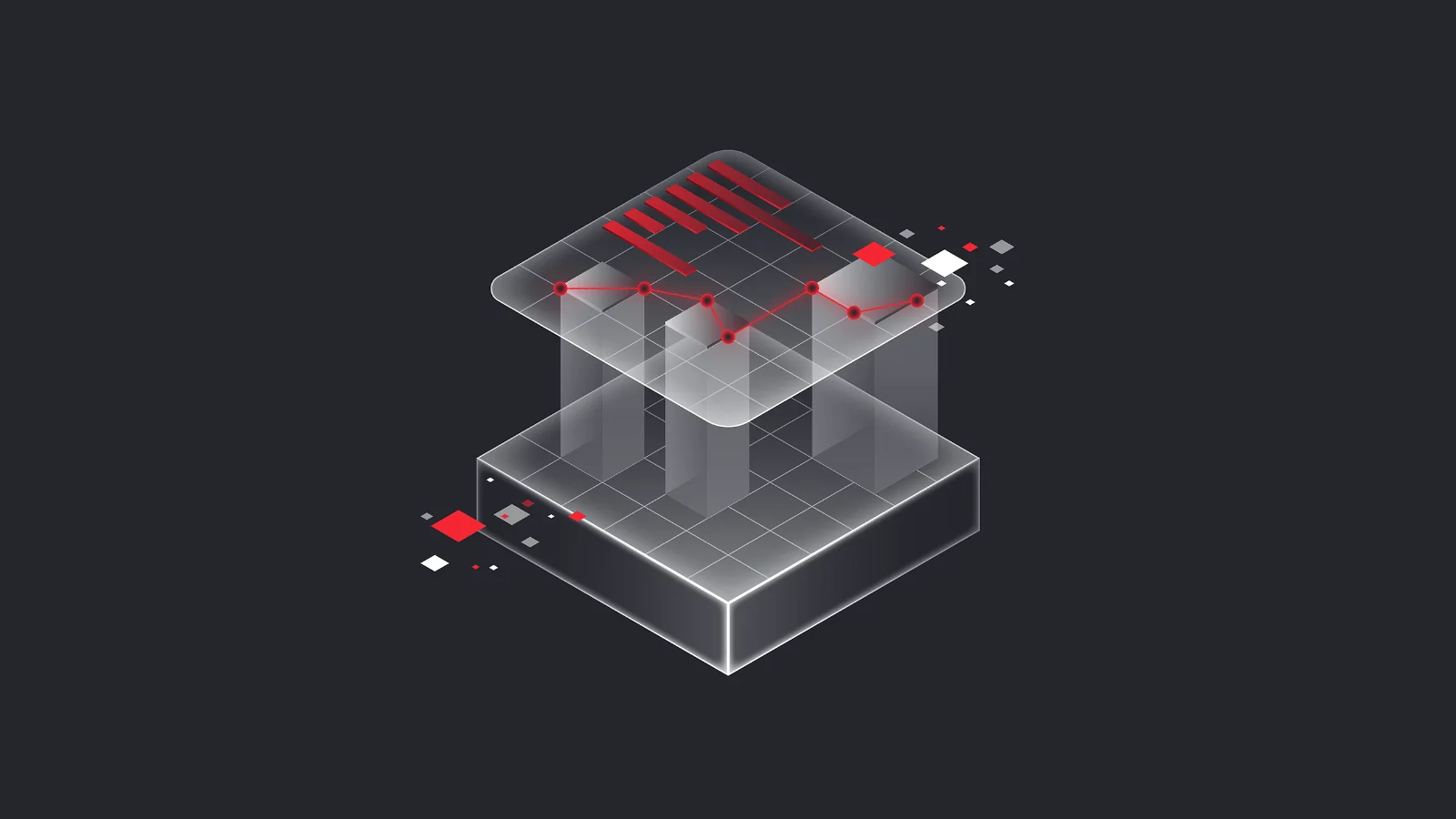
vCDMstudio is an efficient tool for editing parameter set files. Parameters created during ECU calibration can be conveniently displayed, compared, and edited; filters reduce the number of visible parameters to simplify complex tasks. Parameter values and calibration data evaluations can be merged from different files into new version levels and stored together with maturity history in CDF 2.0 or PaCo files.
Highlights
- Efficient file handling: Copy and merge parameter set files interactively or via batch operations.
- Broad format support: Process common calibration formats such as CDF 2.0, DCM, Intel Hex, Motorola‑S, PAR, and PaCo.
- Direct variant comparison: Compare multiple parameter set files simultaneously to get a clear overview of differences.
- Flexible transfer: Export parameter sets as M scripts or code files (C or hex) for downstream tools.
- Scalable usage: Use as a standalone workstation solution or integrated in CANape and the database‑driven vCDM platform.
Functions
- Load, visualize, and edit parameter sets from symbolic, address‑independent parameter set files or from binary files
- Simultaneous loading of multiple parameter set files from the calibration process
- User‑friendly interface for displaying and editing parameter set files
- Graphic representation of characteristic curves and maps to efficiently compare differences
- Filter mechanisms to define individual views of parameter sets for an improved overview
- Configure and execute editing steps via an automation interface
- Quickly generate various reports, including MS Excel format
- Export and import configurations
Gallery
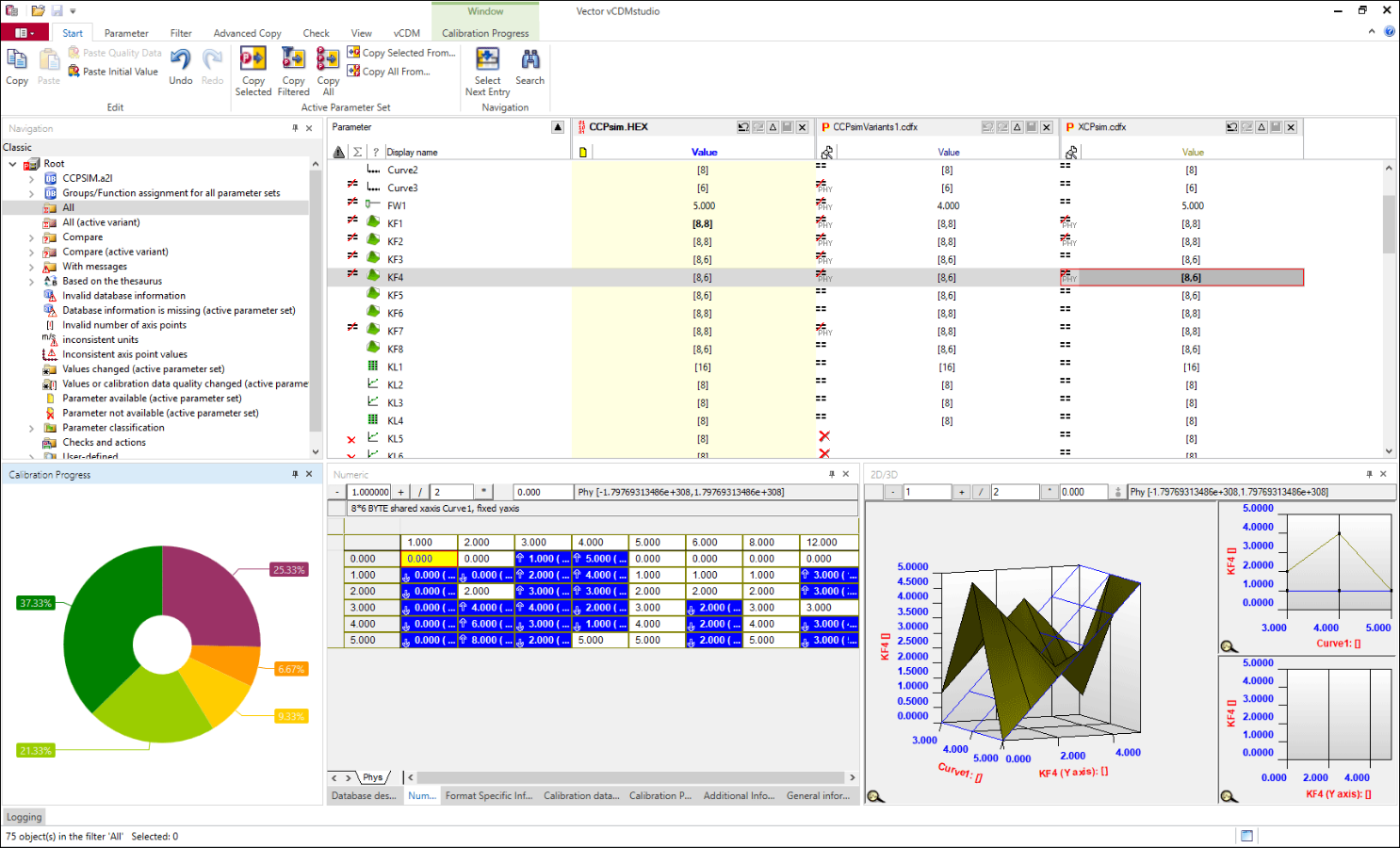
vCDMstudio User Interface
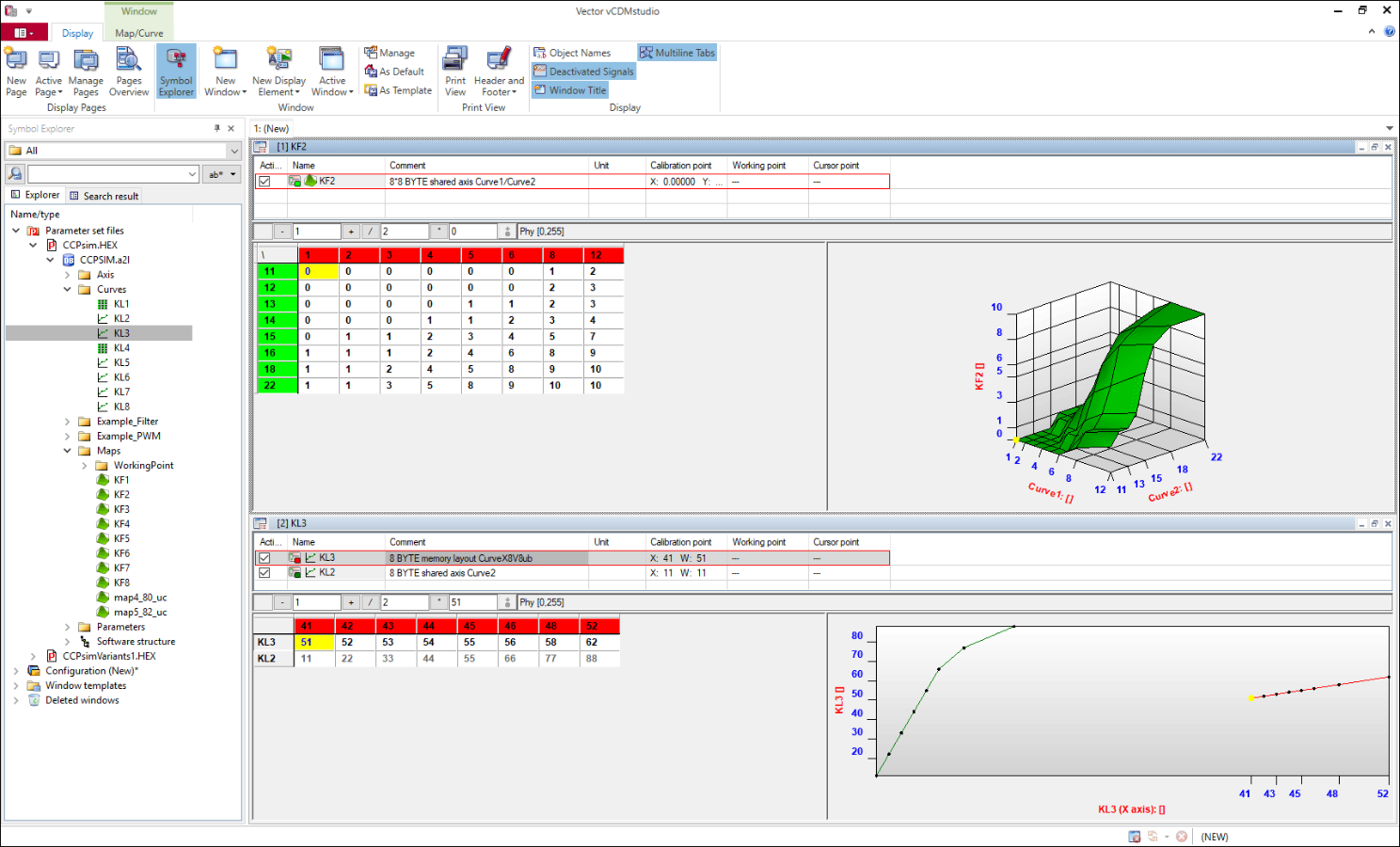
View and Edit Maps and Curves
Highlights of Version 24
- Improved data quality: Mapping of vCDM parameter value attributes enhances calibration data quality.
Product Descriptions
| vCDM Product Information (PDF) |
Related Products

Measurement and Calibration Team
How Can We Help You? Let's Talk!
Whether you’re exploring options or already planning your next steps, share your requirements with us. We support you in finding the right solution.