DIAdem is a software environment from National Instruments for use on standard desktop PCs and laptops. It is used wherever measurement and analysis data is generated. vMeasure Option DIAdem and vMeasure Option DIAdem Basic extend DIAdem by enabling the acquisition of bus signals defined in a database.
Highlights
- Symbolic access to bus signals: Acquire bus signals exclusively by symbolic names and work independently of physical signal definitions.
- Automatic conversion: Automatically convert raw data into physical values using conversion rules defined in the database.
- Central database maintenance: Modify conversion rules only in the database without changing the measurement setup.
- Automatic updates: Automatically update references in the DIAdem measurement structure after bus configuration changes.
- J1939 support: Process mixed‑mode J1939 and extended CAN IDs directly.
Main Application Areas
vMeasure Option DIAdem is used in all phases of vehicle development and production where measurement data must be analyzed, compared and presented together with results in meaningful reports.
Functions
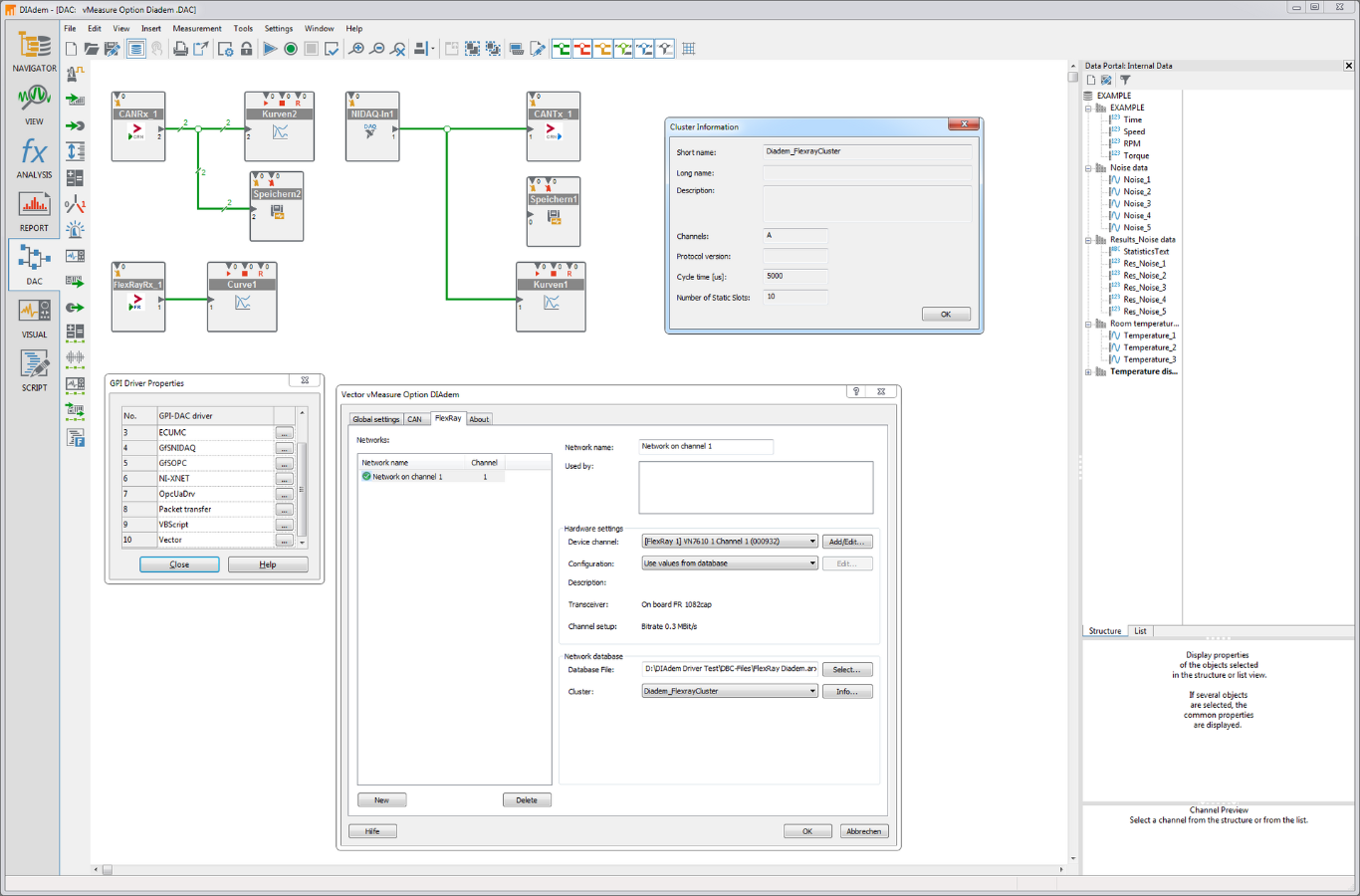
vMeasure Option DIAdem supports simultaneous use of up to 200 CAN channels or 64 FlexRay channels. Other Vector CAN tools can be used at the same time on the same channels. Virtual CAN channels are also available for tests without hardware.
Compared to vMeasure Option DIAdem Basic, vMeasure Option DIAdem additionally supports the following functions:
- FlexRay support
- Support for PDUs and SecOC PDUs
- Checksum calculation according to AUTOSAR profiles 2 and 5
Bus Systems
Supported database formats
• CAN / CAN FD
• FlexRay
• DBC (for CAN / CAN FD)
• FIBEX (for FlexRay)
• ARXML (for CAN / CAN FD, FlexRay)
Supported protocol functions
• Receiving signals (CAN / CAN FD, FlexRay)
• Sending signals (CAN / CAN FD)
• Receiving signals in PDUs (CAN / CAN FD, FlexRay)
• Sending signals in PDUs (CAN / CAN FD)
• Checksum calculation according to SAEJ1850
• Checksum calculation according to AUTOSAR Profiles 2 and 5
• Signal multiplexing
• J1939
• Receiving signals in SecOC PDUs (CAN / CAN FD, FlexRay)
Networks
| Bus System | Interface | PC Connection |
| CAN / CAN FD , LIN and J1708 | CANcardXL* / CANcardXLe* CANcaseXL*, CANcaseXL log* CANboardXL Interface Family* VN1600 Interface Family | PCMCIA / ExpressCard USB PCI, PCIe, PXI USB |
| FlexRay and CAN FD | VN7570, VN7572 VN7600*, VN7610 VN7640 VN8900 Interface Family | PCIe USB USB or Ethernet USB (RT PC) or Ethernet |
* not CAN FD capable
Product Descriptions
Related Products