Need to analyze ADAS applications with large amounts of sensor data? With the Driver Assistance option you can easily capture this data and compare it with real-world conditions.
Highlights
- Recording at very high data rates: Specialized recorders (DHPR: Distributed High Performance Recorder) for the various ADAS sensors make this possible.
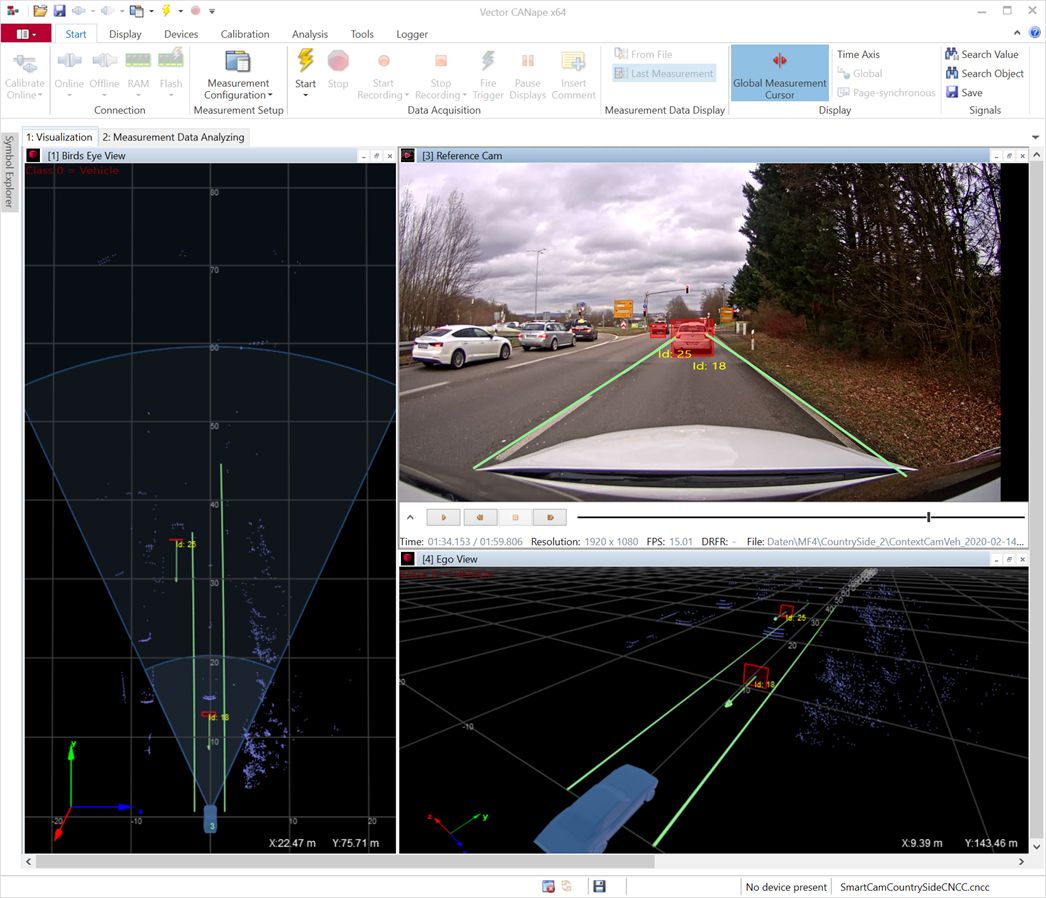
- Direct comparison for validation: A video recorded in sync with the measurement serves as the basis for verification. Sensor data provides the coordinates of the objects, which are overlaid on the reference image.
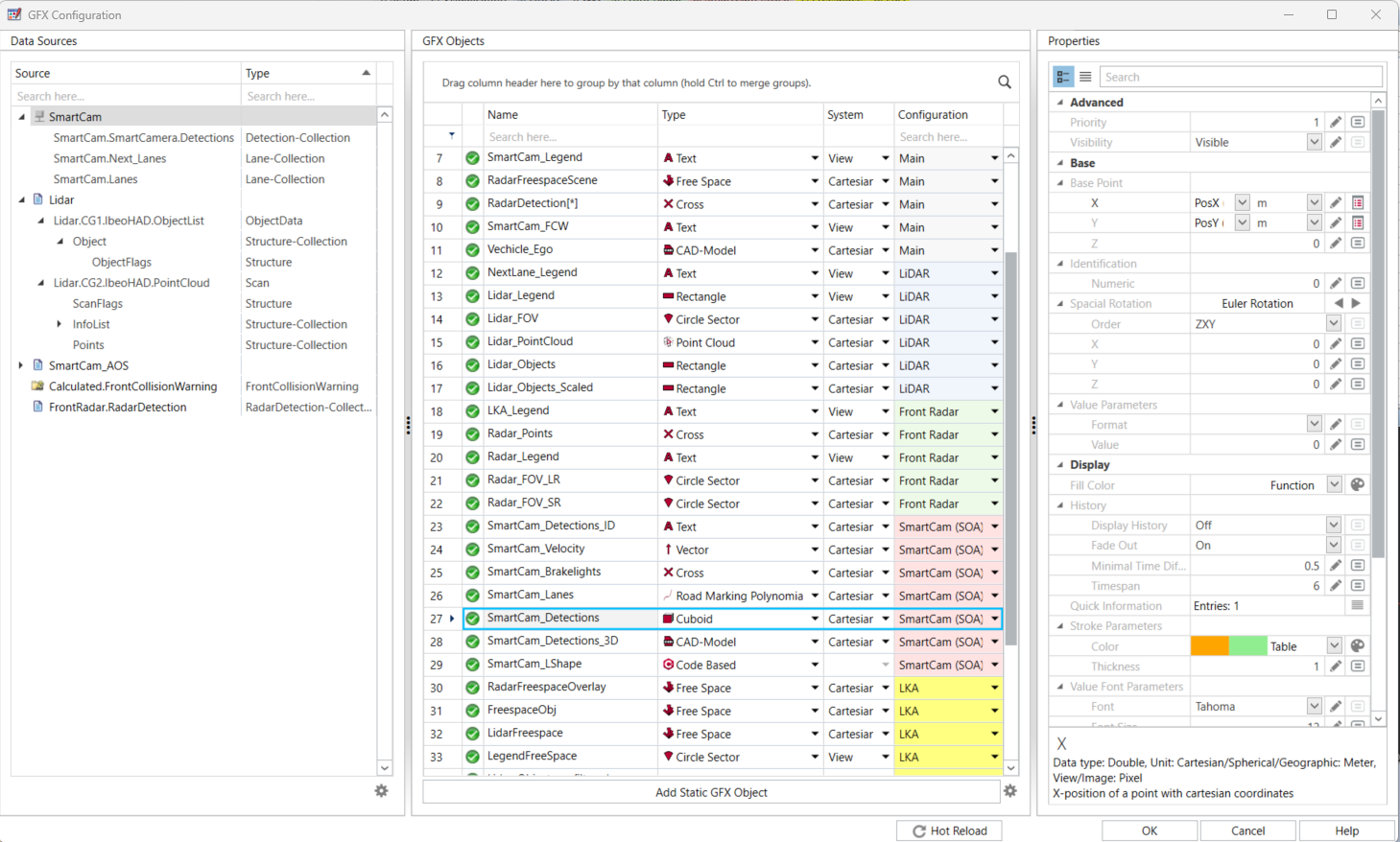
- Clear visualization: The detected objects are shown as graphic symbols in various display windows.
- Comprehensive compatibility: In addition to the wide range of ADAS sensors we already support, we are always happy to integrate additional sensors for you.
Application Areas
The flexible configuration covers a wide range of applications in ADAS development:
- Complete vehicle logging for verification and simulations
- Verification of object recognition algorithms for e.g. ACC (Adaptive Cruise Control), Stop&Go systems as well as parking assistants with the help of object overlaying
- Development of lane-keeping systems or adaptive cornering lights by representing the lanes as curves
- Support for testing traffic sign recognition systems by integrating bitmaps
Gallery
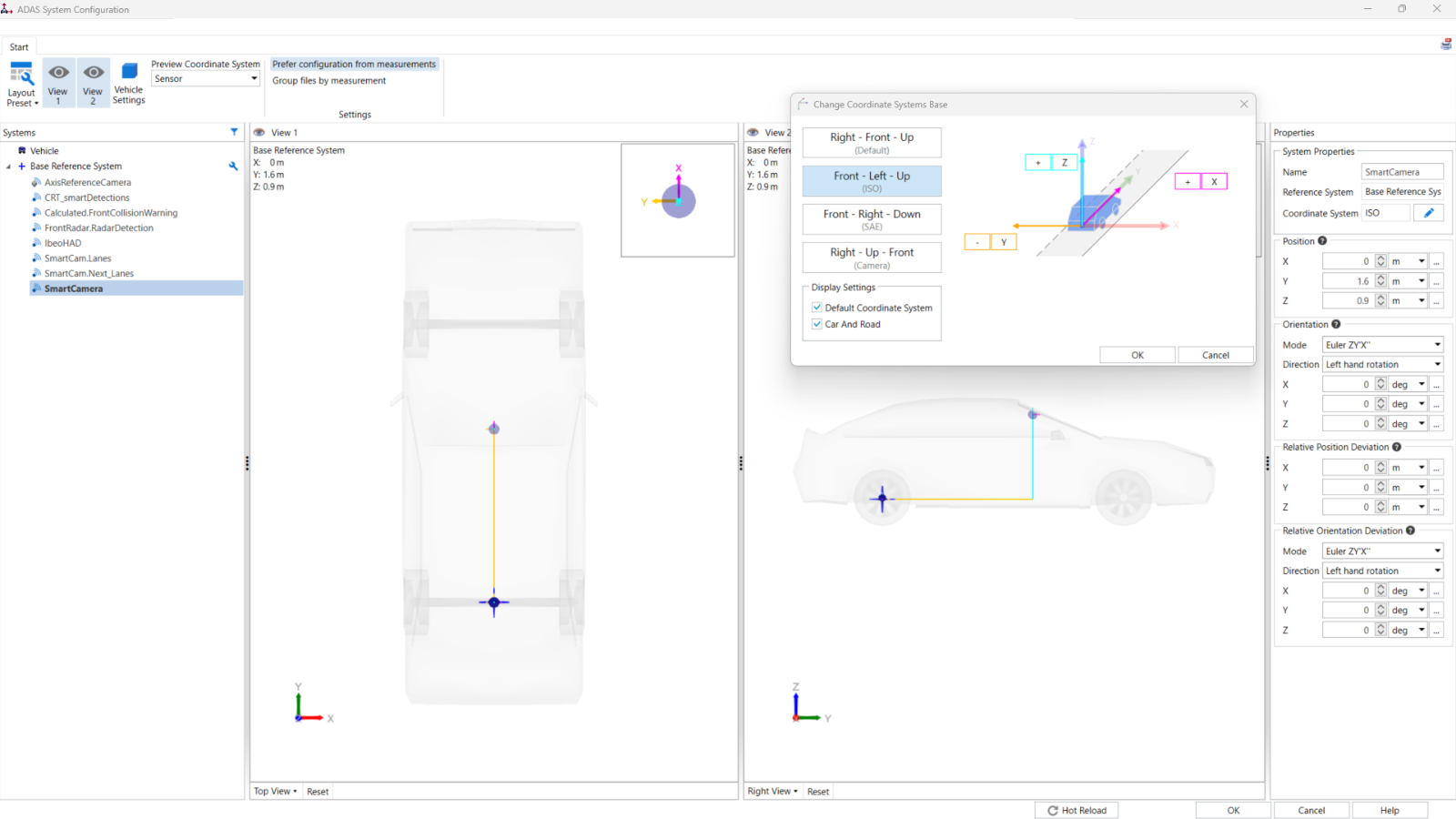
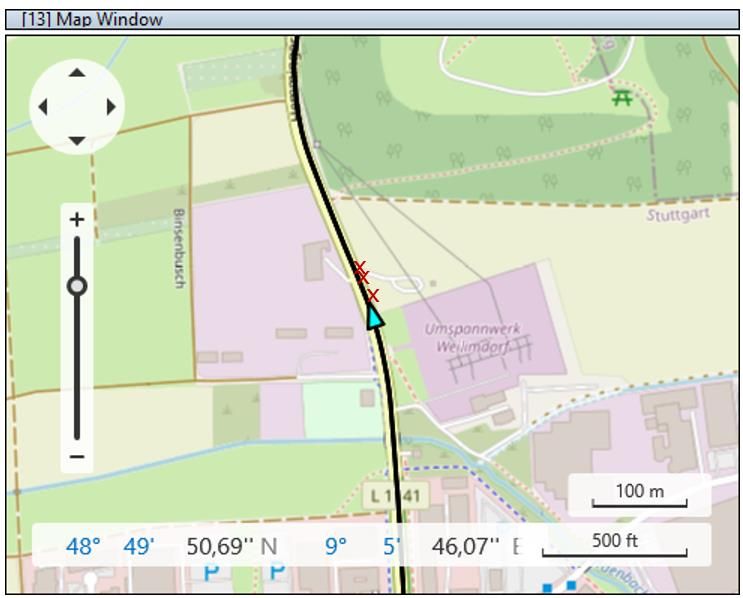
Creating the Object Verification
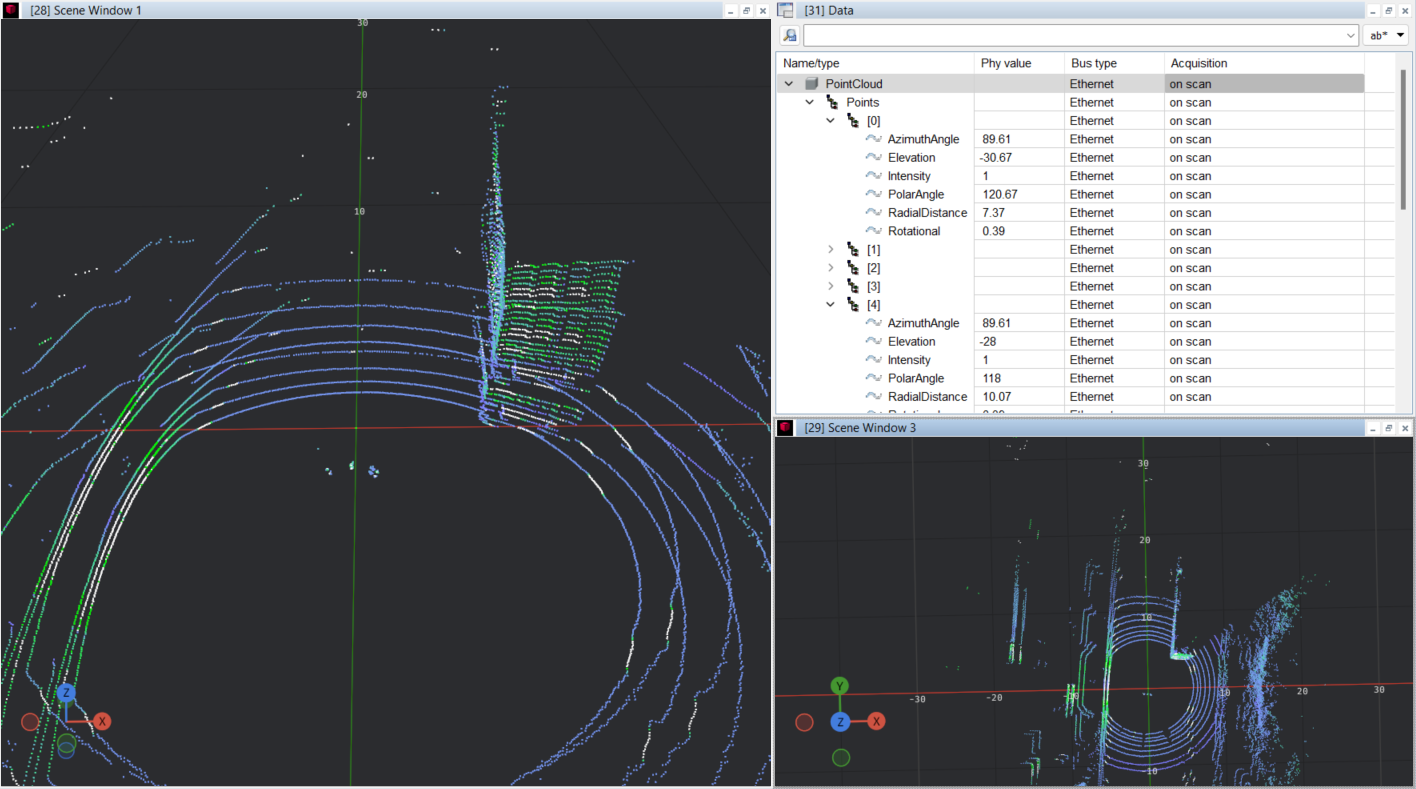
The detected objects are displayed, for example, as rectangles and polygons in various display windows—both during the measurement and based on previous measurement data.Videos from reference cameras recorded synchronously provide the coordinates of the objects, which are then displayed at the corresponding positions of the reference image. For a better overview, the sensor objects can also be displayed in a three-dimensional, freely configurable scene window.
This direct comparison between sensor data and reality allows you to verify the quality of your sensor data quickly and reliably.
Product Descriptions
Related Products