CANape is a powerful software solution for calibrating electronic control units (ECUs) that offers precise data measurement, flash programming, and diagnostics. It enables seamless communication with ECUs via XCP, CAN, LIN, FlexRay, and Ethernet.
Highlights
- Data acquisition from various sources: Measurement of ECUs, buses, analog signals and ADAS sensors thanks to open interfaces
- Direct analysis of measurement data: High-precision calculation of performance values and other relevant values
- Flexible collaboration platform: Seamless joint working even across large teams
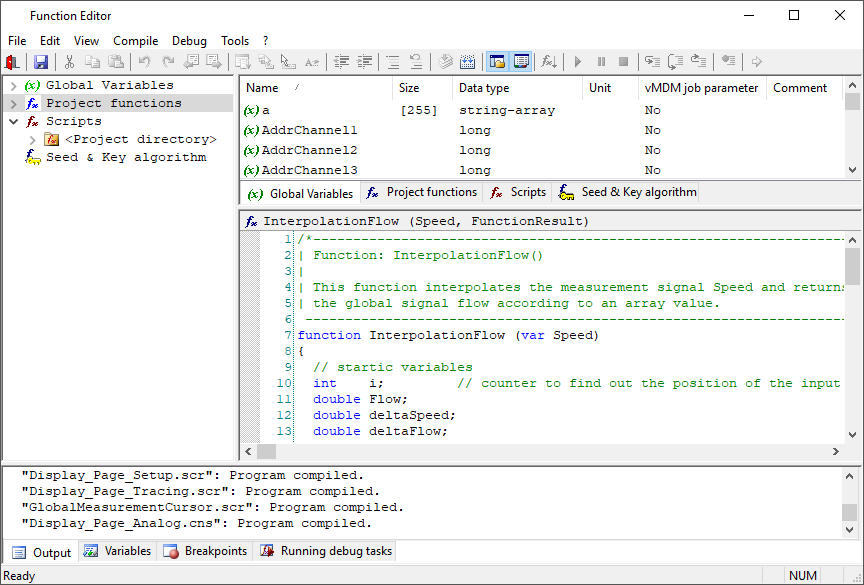
- Automation made easy: Integrated programming language and parameter management (local & cloud)
- Model-Based Development: Rapid Prototyping Platform for code & models
What is CANape?
Discover the full potential of CANape, the universal measurement and calibration tool. In this video, Sarah Naumann provides an insightful introduction to CANape’s powerful features.
Main Application Areas
CANape supports seamless communication with control units via XCP, CAN, LIN, FlexRay, and Ethernet. Optimize your development process with high-performance data acquisition, parameter adjustment, and precise measurement capabilities – all in one intuitive platform.
Measurement
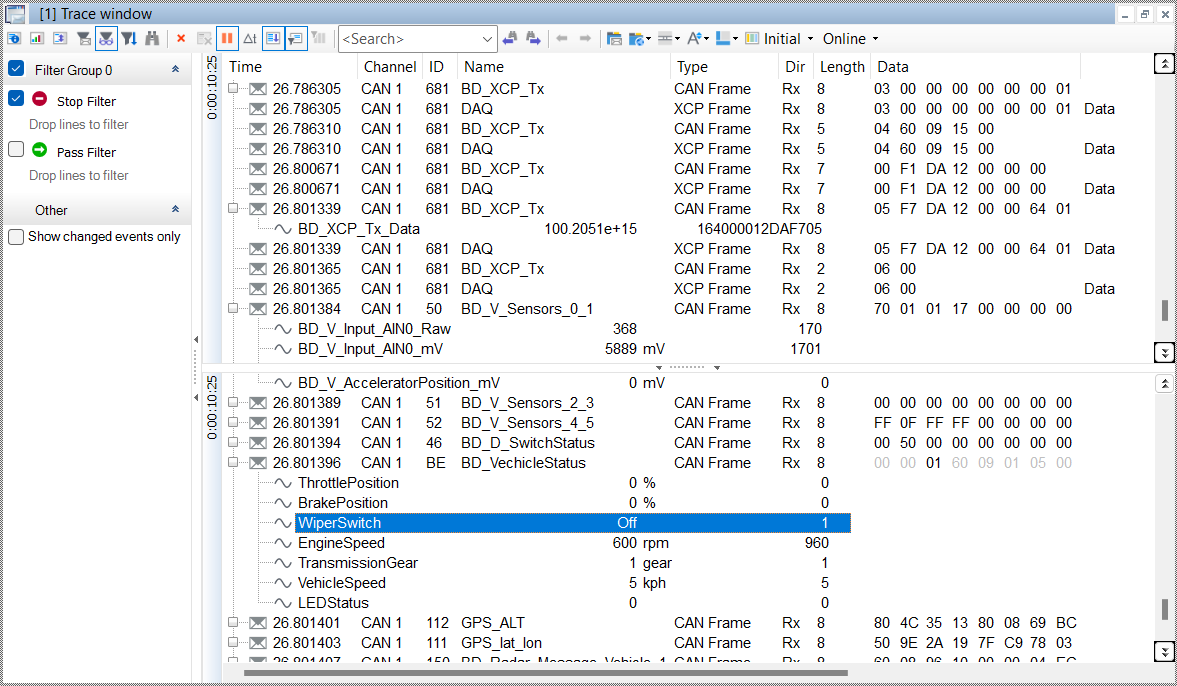
CANape is a comprehensive measurement tool. For measurement data from ECUs, networks, ADAS sensors and much more.
Electric Vehicles
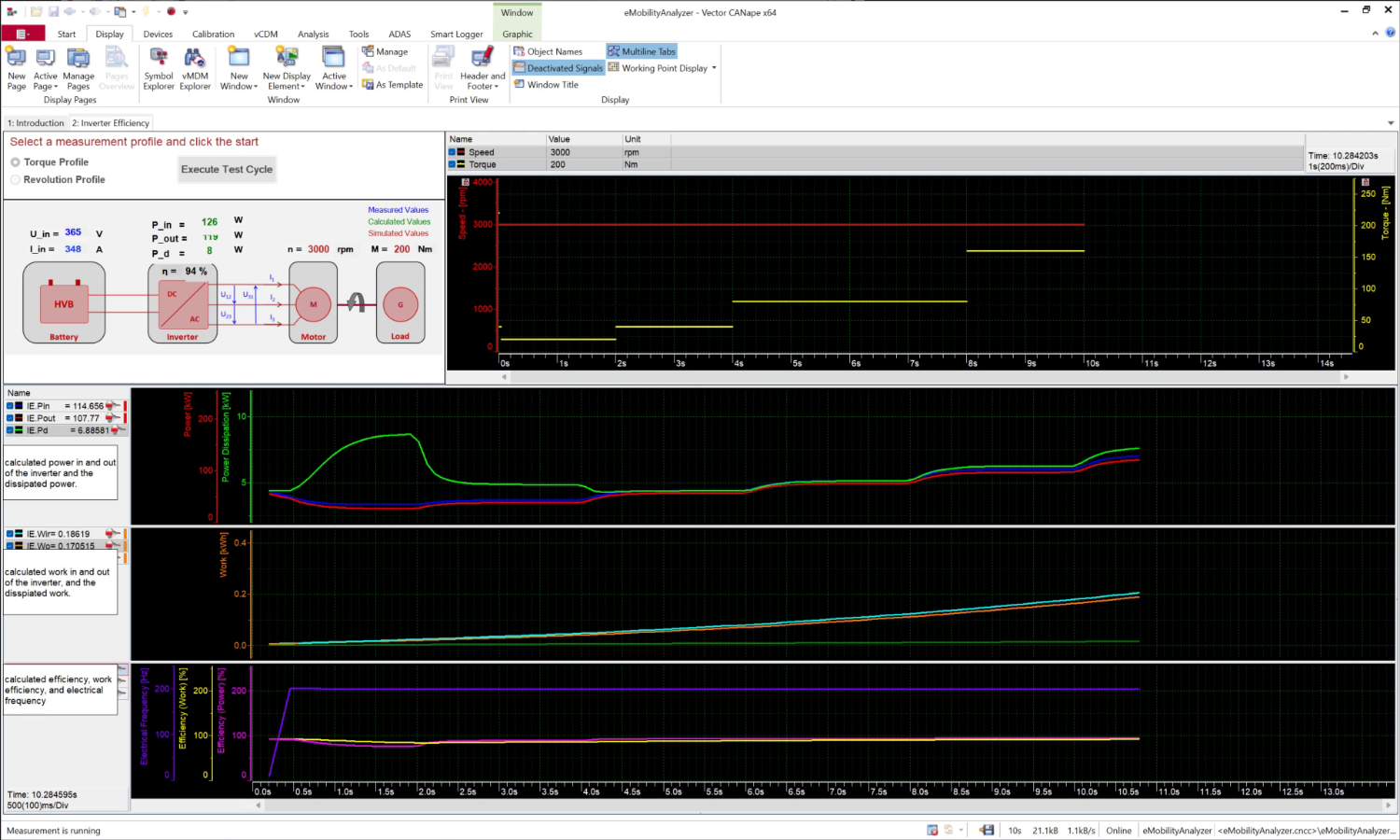
With simultaneous direct access to the ECU data, eMobilityAnalyzer you get a comprehensive picture of the processes in the e-drive, inverter and HV battery.
ADAS / AD
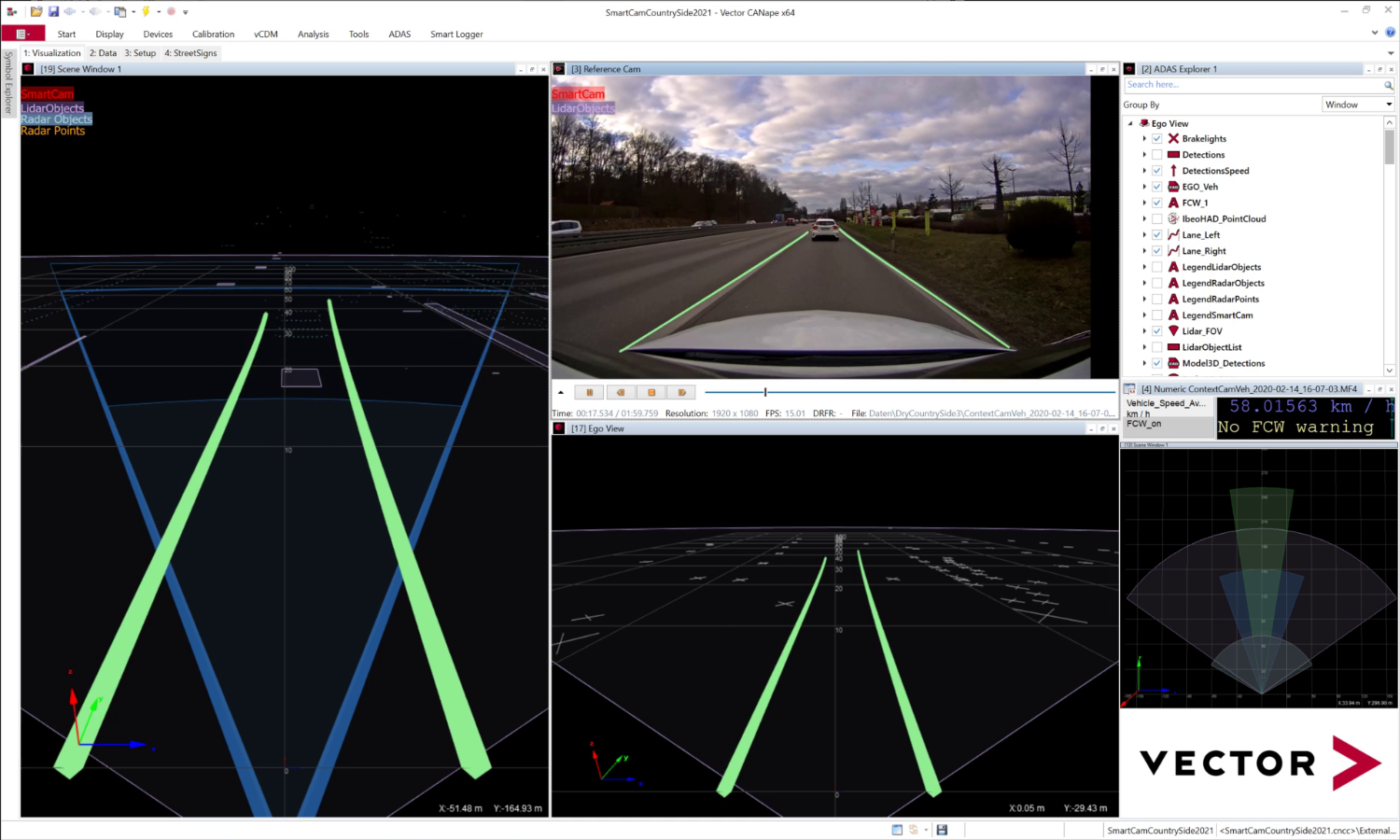
Log data from sensors of a wide variety of manufacturers and other data streams in the vehicle. Visualize and verify detected objects or enrich measurement data with suitable meta data.
Calibration
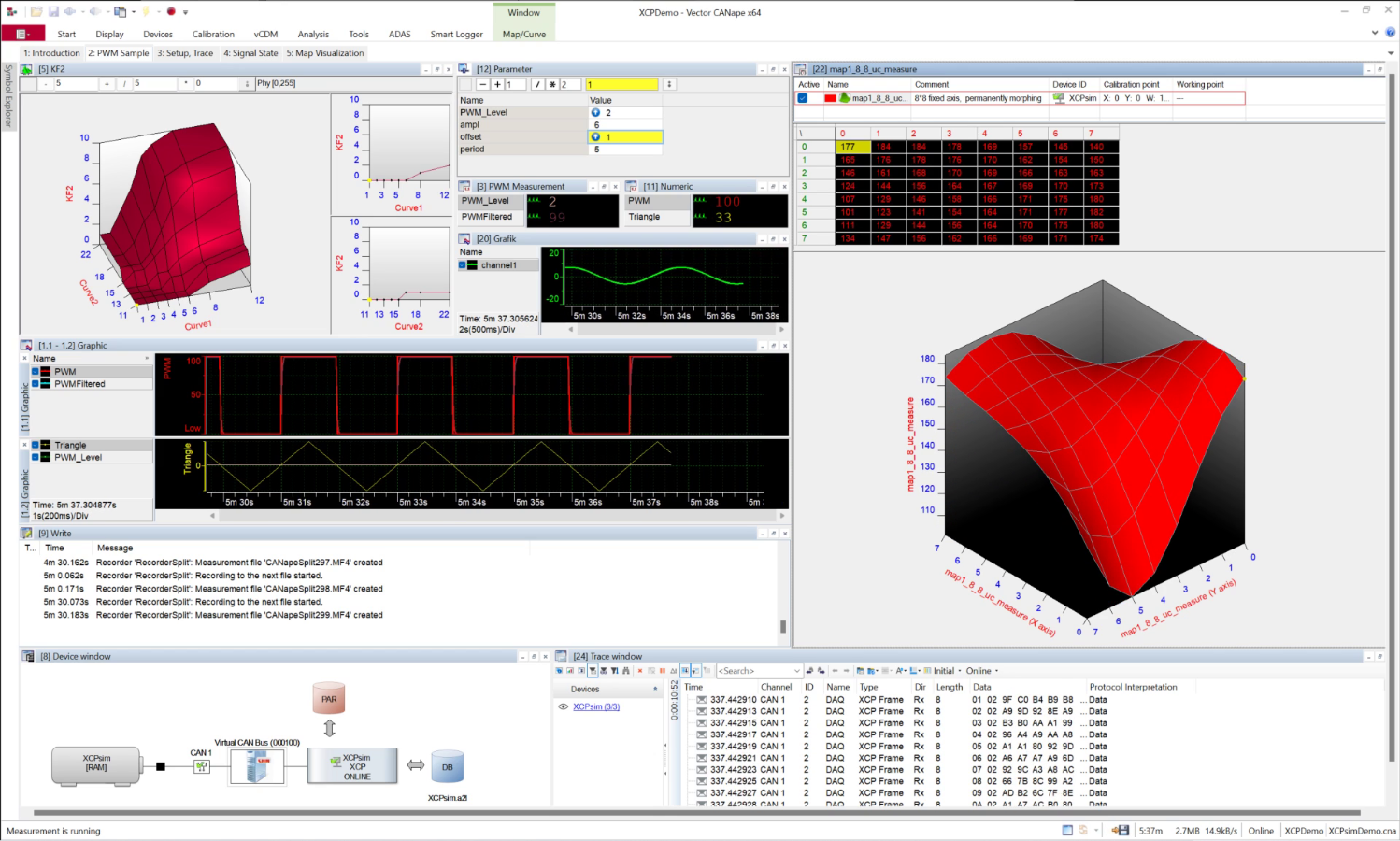
Adapt the ECU Algorithms to your measurement. Calibrate parameters online in the ECU or offline in the hex file.
Data Analysis
From visualization of measurement data to automated analysis with report generation: All evaluation options for your tasks, whether on your desk or in the cloud.
Diagnostics & Flashing
Access diagnostic data and services in the ECUs: Flash a new program version directly via XCP or diagnostic protocols.
Data Logging
CANape log lets you record sensor data, complex protocols such as SOME/IP, ground-truth data and much more.
Model-Based Development
Do you need direct access to ECUs and buses in MATLAB? Do you want to conveniently stimulate your Simulink models with measurement data and calibrate parameters at the same time? Couple both MATLAB and Simulink directly with CANape.
Test Bench
In the test bench environment CANape also offers all important measurement and calibration functions.
Options
Expand the range of CANape functions individual to your requirements.
Driver Assistance
vCDM
Bypassing
Thermodynamic State Chart
eCDM Connector
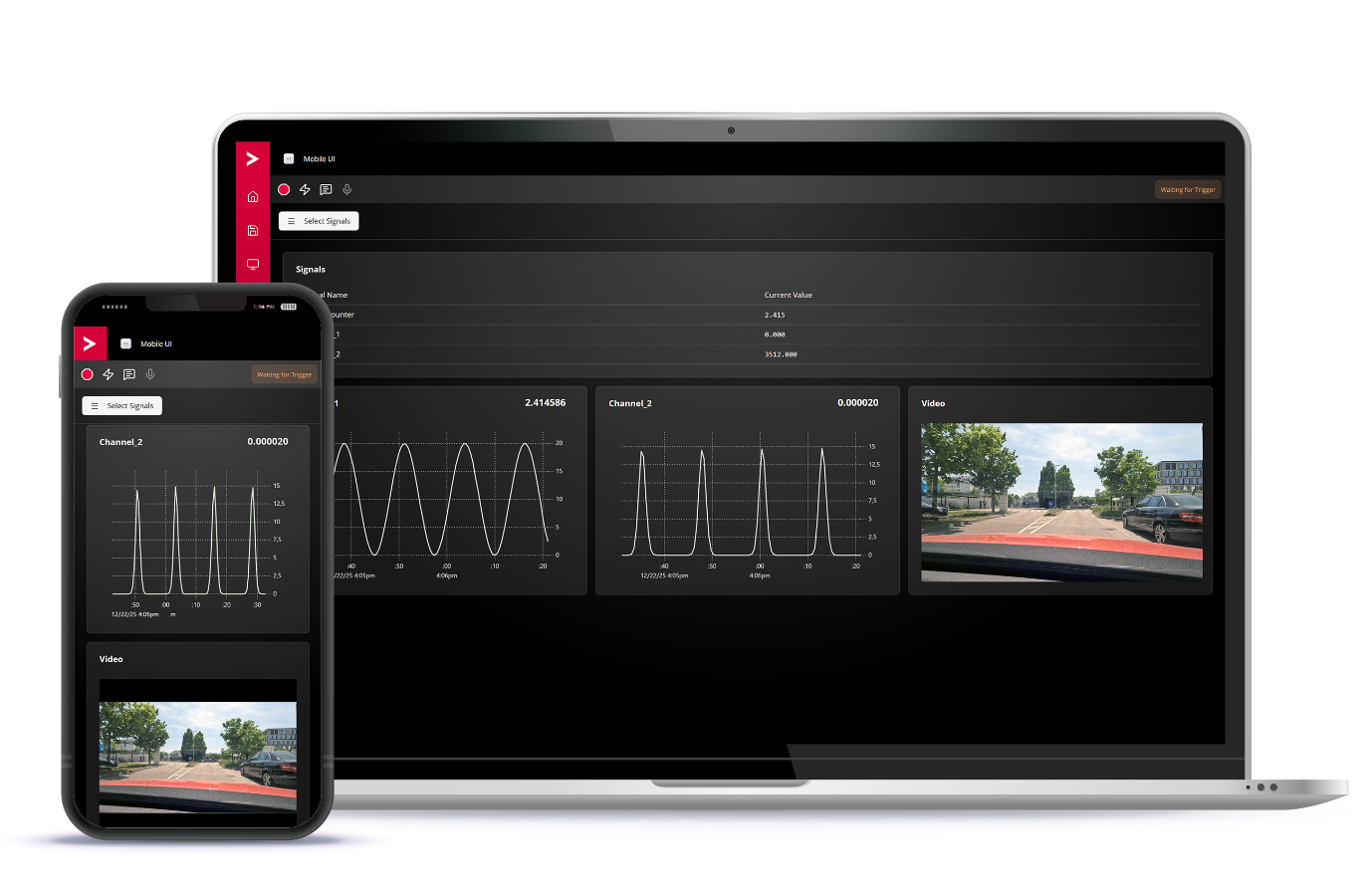
Mobile UI
The measurement process can be monitored using a smartphone, tablet or notebook: The CANape Mobile UI lets you focus on the essentials.
Additional features:
- Fire triggers on demand
- Add comments during measurement
- Preview video recordings instantly
Highlights of Version 24
- Future-proof thanks to expandability: With ASAM CMP, CANape continuously expands its measurement capabilities. CAN, FlexRay, LIN, and xBASE-T1 form the basis.
- Software-Defined Vehicle (SDV): Full support for zone controllers and HPCs, including dynamic SOME/IP data structures during recording and visualization.
- Immediate validation of ADAS algorithms: Realtime visualization of detected drivable areas (free space) and obstacles, enabling rapid assessment of
camera, radar, or lidar-based perception results.
- Logger Control Room: Central management and status monitoring of loggers, including location display and device status display.
- 100 GB cloud storage for logging projects and data exchange: Sign up and use Vector Team Services at no additional cost.
- Data security in the vehicle: The VP75x1 logging and processing platform reliably protects recorded data through hard disk encryption.
Gallery
Product Descriptions
Related Products