CANalyzer is a comprehensive software tool with intuitive operation for analyzing and stimulation network communication. It is used worldwide across the automotive industry and beyond.
As a responsible for analyzing the network communication you need a reliable, easy-to-use tool. You need get a clear information of what is happening on the network. CANalyzer provides that clarity. It helps you understand communication behavior, identify issues, and validate system behavior with confidence.
Powerful functions support both simple analysis tasks and advanced use cases – from quick analysis to in-depth analysis of complex system behavior.
Advantages
- Intuitive operation for fast access to analysis results
Quickly access and navigate analysis tasks with a clear and efficient workflow. - Easy observation, analysis, and manipulation of network communication
Observe, analyze, and influence communication behavior in realtime. - Flexible analysis capabilities
Configure filters, generators, and replay functions to focus on relevant data.
- Seamless logging and replay for offline analysis
Record and replay communication data for consistent and detailed analysis. - Customizable analysis through CAPL programming
Extend and automate analysis with CAPL for extensive analysis tasks.
Application Areas
Analysis
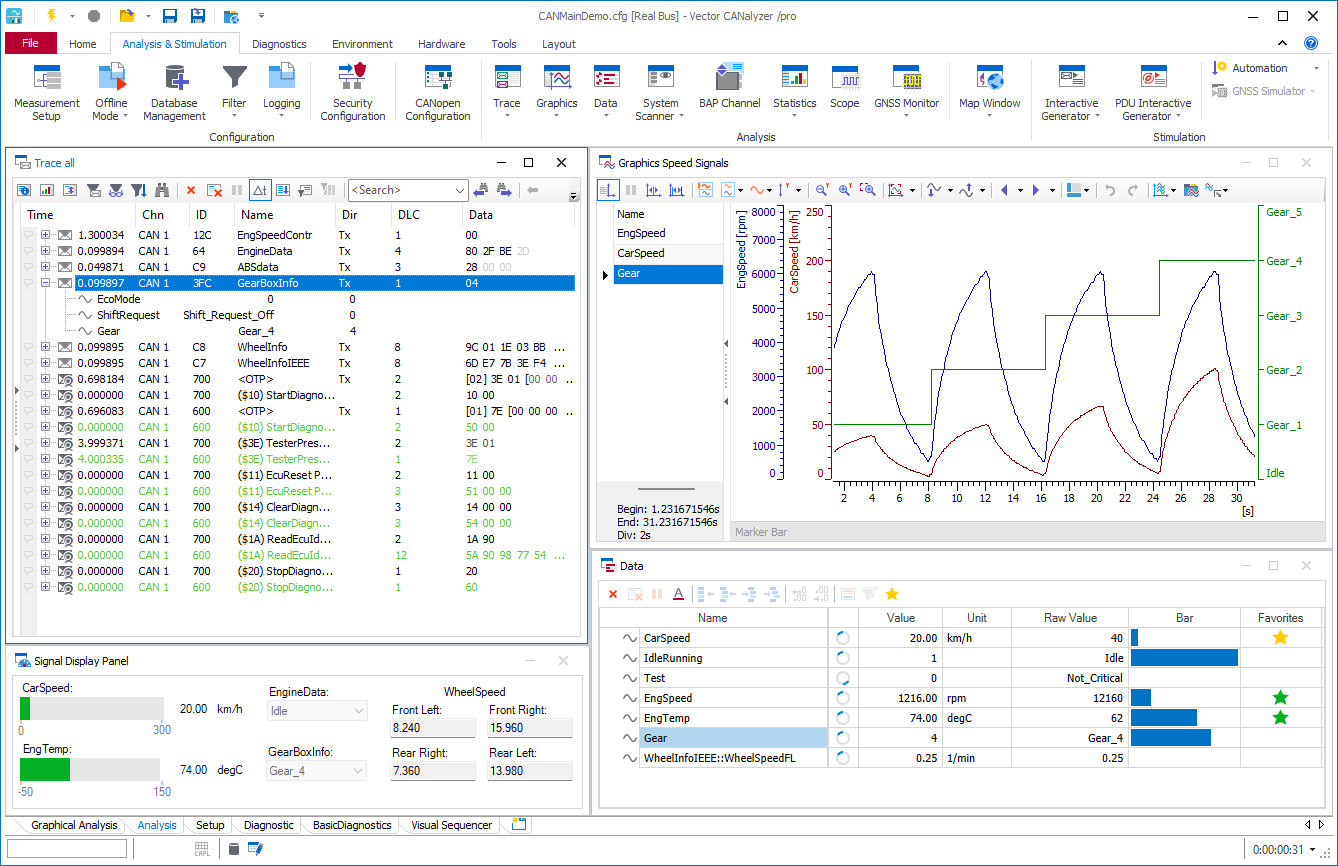
Analysis of information exchange and communication processes between ECUs and software functions.
The aim of the analysis is to evaluate information exchanged between ECUs and software functions. The information exchange can be realized via networking technologies (bus systems, networks) or via hardware connections (digital/analog).
The level of detail ranges from physical values (current, voltage, etc.) to digitized binary information on protocol packets to signals represented symbolically, which can be displayed in CANalyzer with the help of various analysis windows.
Diagnostics
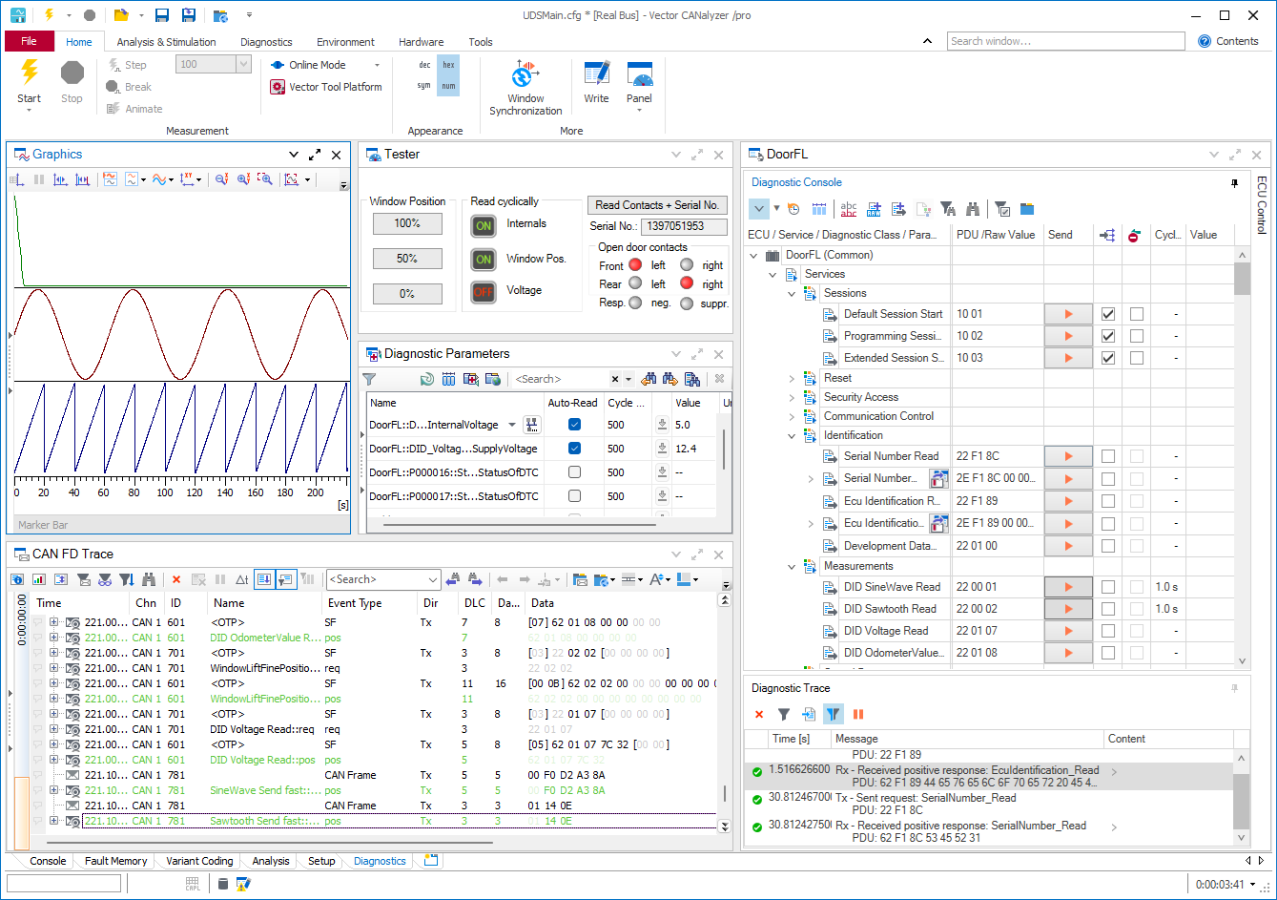
Detailed analysis of automotive ECU diagnostic communication
CANalyzer supports all relevant automotive networks and transport protocols.
You can perform diagnostic tests semi-automated as well as interactively. For interactive tests, a diagnostic window is available for all important use cases, e.g. read fault memory, variant coding, OBD-II.
Stimulation
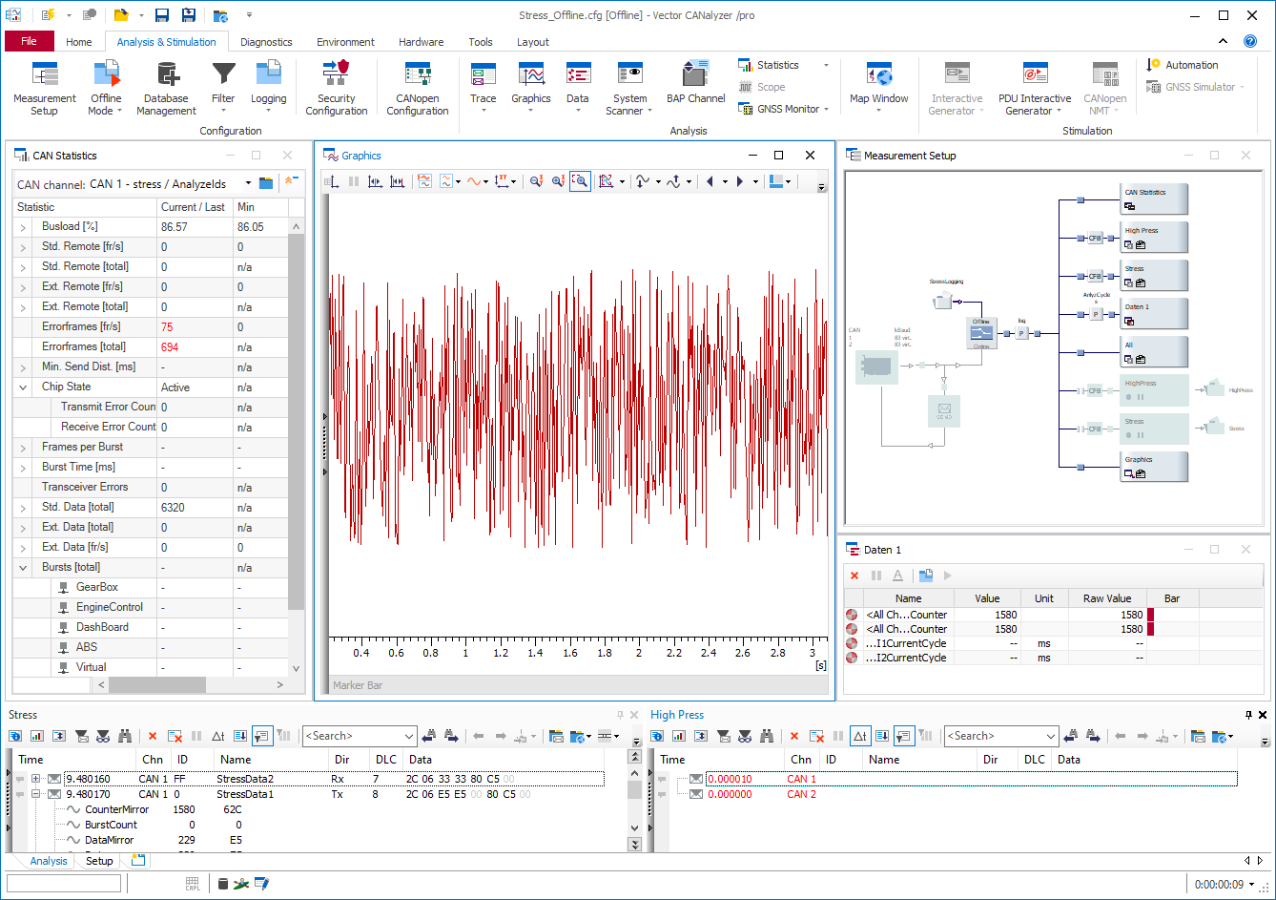
Targeted interaction with a System Under Test (SUT) to observe, analyze, and influence ECU data traffic.
Observe, analyze and influence the data traffic of e.g. ECUs. Through preconfigured user interfaces, you send simple messages and signal values to your system. Based on this capability, stimulation with CANalyzer has several objectives:
- Reproducible stimulation of your System Under Test (SUT)
- Extension of test scenarios for analysis
- Determination of control parameters
Key Feature: Analysis Despite of Security
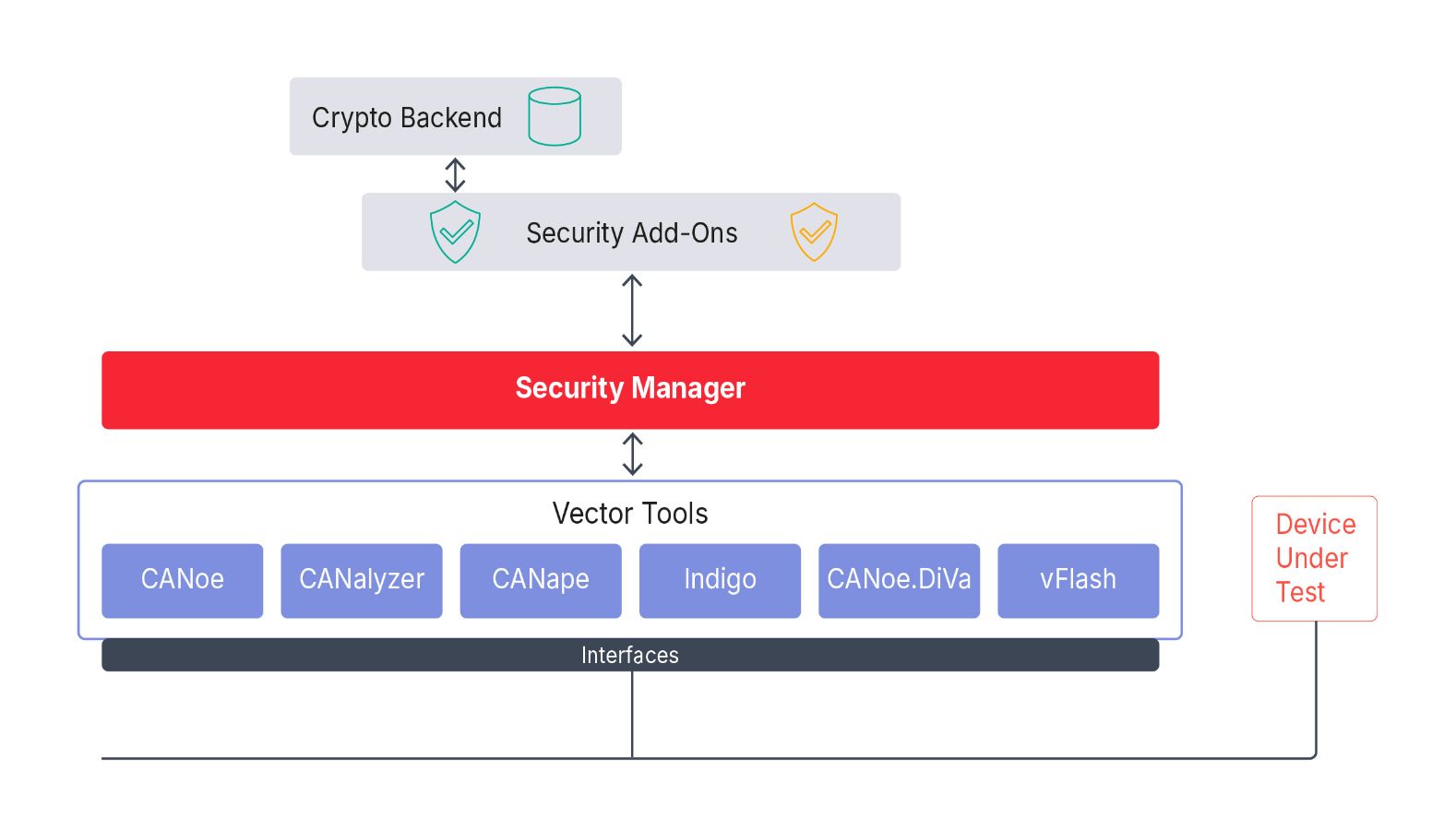
Analyzing of Security-Protected ECUs and Networks with Security Manager
Security mechanisms in the ECU secure the vehicle and its functions against manipulation and unauthorized access. However, for analyzing and diagnostic purposes, it must be possible for an authorized individual to participate in vehicle communication during development and later operation.
With the Security Manager, Vector offers a uniform solution that is used identically for many Vector tools. In addition to CANalyzer also CANoe, CANape, Indigo, CANoe.DiVa, and vFlash use the Security Manager.
Use Cases of the Security Manager
- Communication: SecOC − with only a focus on analysis
- Diagnostics: Authentication
- Diagnostics: Variant Coding
- TLS: Simulation of Client and Server
- TLS: TLS Observer using Master Secret
- TLS: DoIP over TLS
- MACsec: Standard 802.1 AE 2018
- MACsec: Key Agreement (MKA)-Protokoll 802.1.x-2020
- IPsec: IKEv2 support for certificate based peer authentication, dead peer detection, IKE fragmentation and IKE rekeying
- IPsec: Import of StrongSwan IPsec configurations
- IPsec: Full control of the Security Policy Database
CANalyzer Editions
... are tailored to your requirements depending on how and where you use CANalyzer in your workflow.
CANalyzer DE – Desktop Edition
CANalyzer DE is the standard working environment for software engineers. You use it on your local workstation to analyze, debug, and understand network communication.
What it means for you
- You work interactively with your desktop computer. You directly analyze, stimulate, and replay network communication.
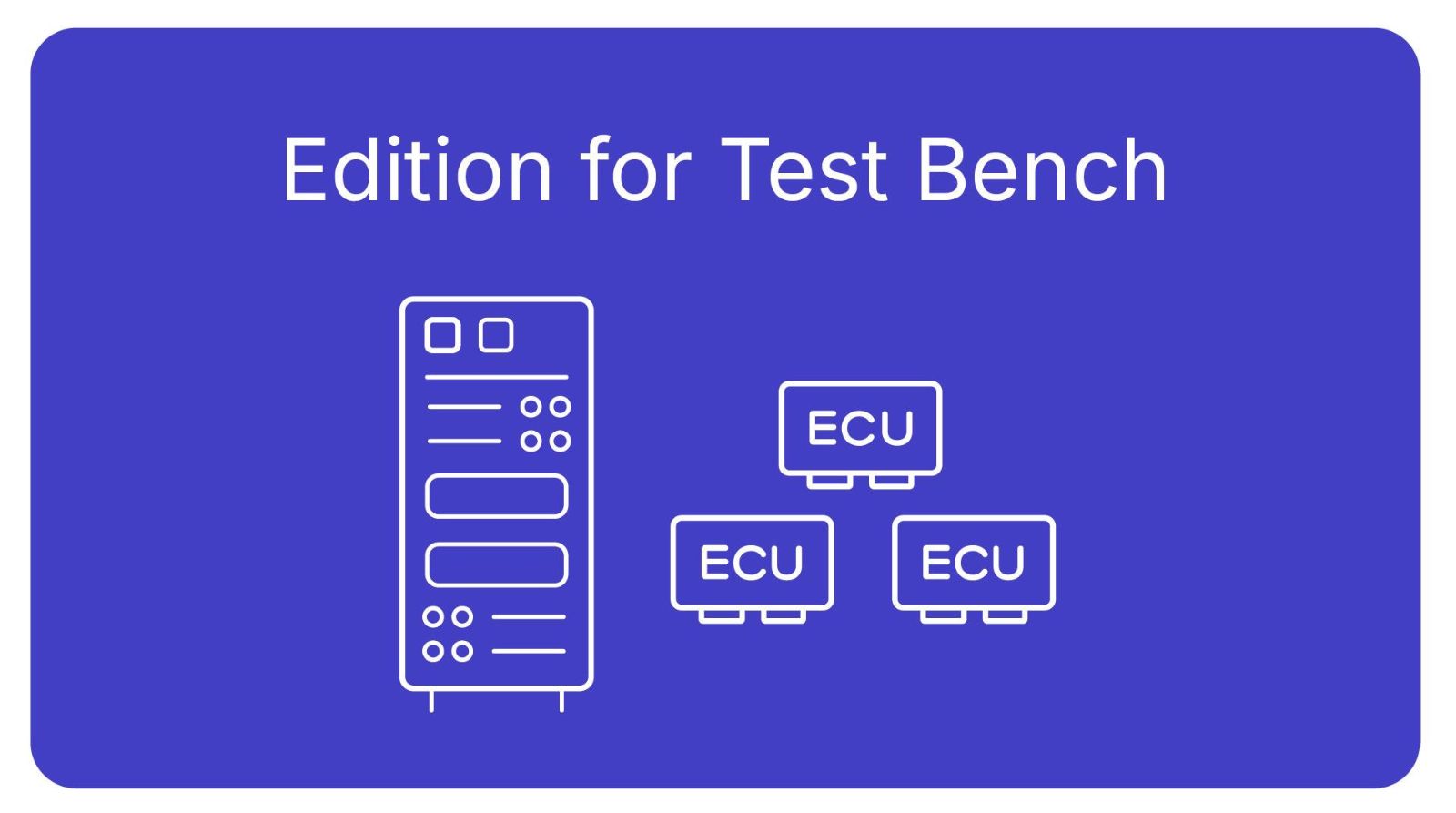
CANalyzer TBE – Test Bench Edition
CANalyzer TBE is designed for use in test environments such as test benches and production systems. It enables running CANalyzer beyond the local desktop.
What it means for you
- You run your analyses and tests at test and production stations. Your have remote access and can execute in a real and virtual environment.
- TBE is your tool for executing and scaling tests.
CANalyzer Options
... flexibly extend CANalyzer´s scope with special functionalities, e.g. for bus systems, protocols or analysis functions.
For Automotive
| CAN | Car2X | Ethernet |
| FlexRay | LIN |
For Higher Application Protocols
| CANopen | ISO 11783 | J1587 |
| J1939 |
For Measurement
| Scope |
For Avionic Systems
| A429 | AFDX | CAN | A825 |
CANalyzer Variants
... are staggered feature sets of an Edition. They are compiled appropriately for the respective application.
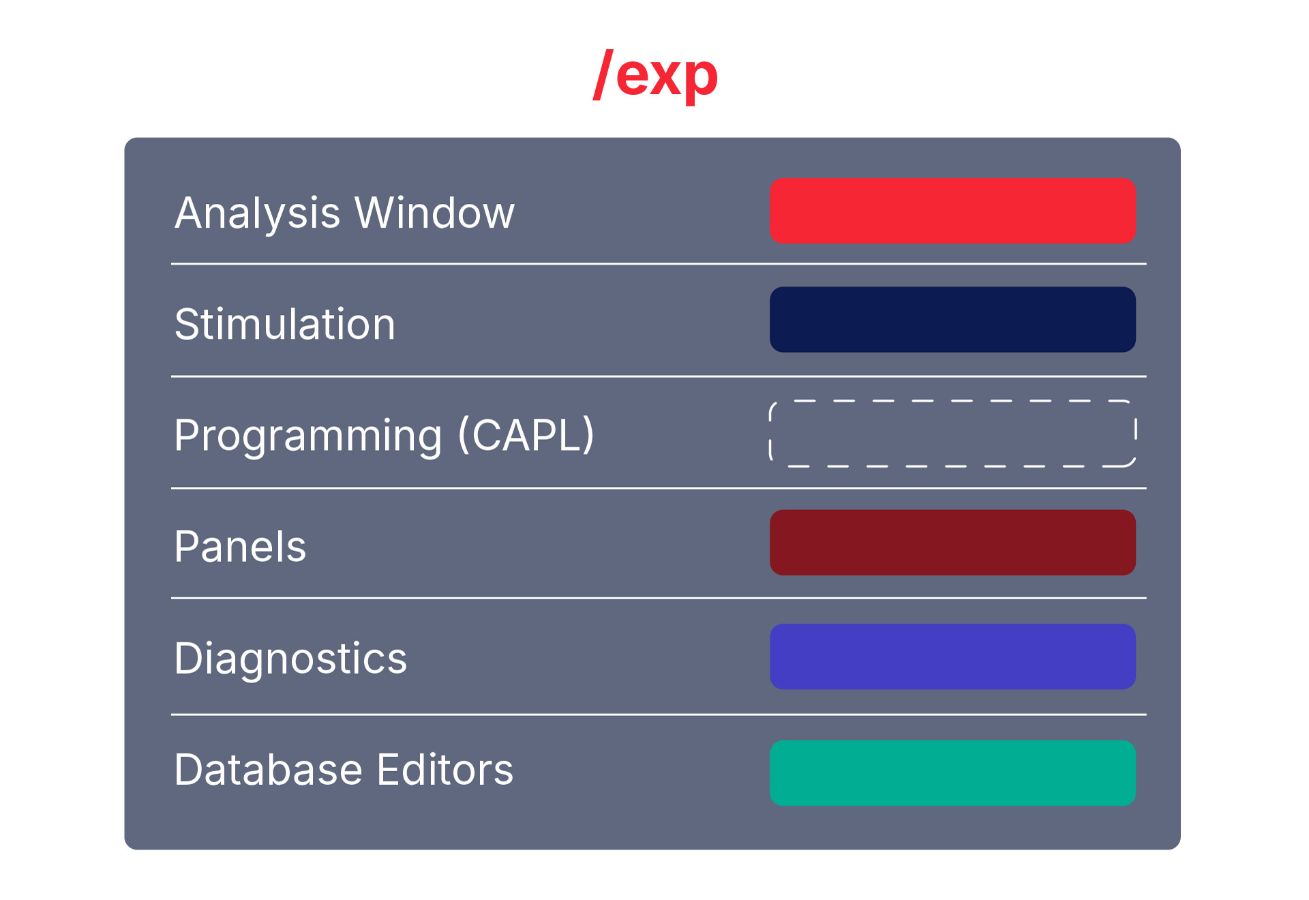
Expert Variant (/exp)
The expert variant is ideal for all standard applications. It provides nearly all functions and extensions without limitation.
However, creating and executing CAPL programs is not supported in this this variant.
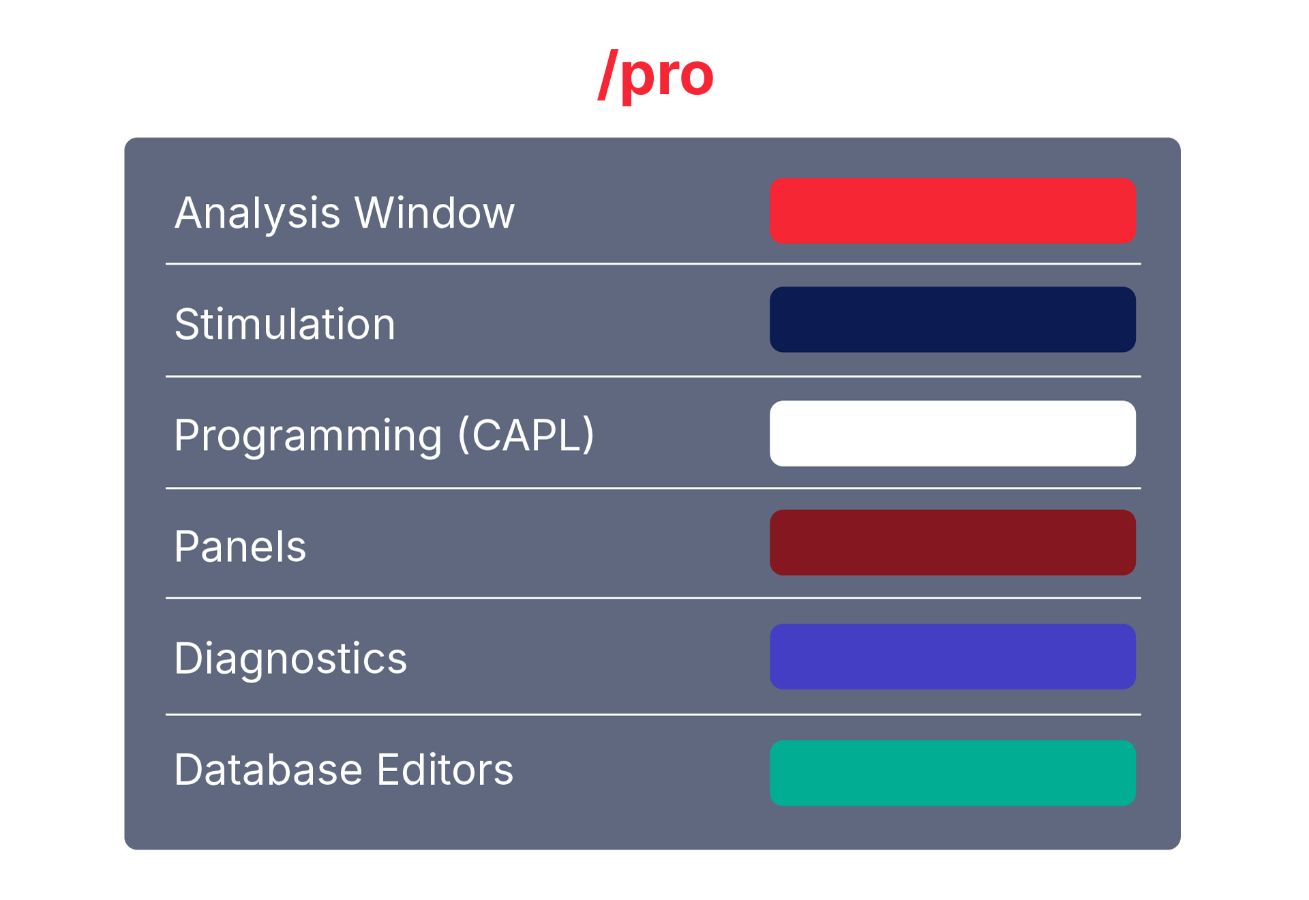
Professional Variant (/pro)
The professional variant provides all functions and extensions without limitations. It supports all use cases from simple observation of the network traffic to complex analysis, stimulation and testing of heterogeneous systems.
Product Descriptions
Detailed release information and comprehensive insights into current and past CANalyzer versions.
Services

CANalyzer Courses
Attend our courses and work more efficiently with CANalyzer.

Get Support
Do you have product related technical questions? This overview will guide you to the right places.

Events
Meet us at a fair, conference, tech day or webinar and exchange ideas with our experts.
Downloads