
Indigo empowers diagnostic testers to move faster and stay in full control of vehicle diagnostics. Indigo is designed for easy to use and intuitive diagnostic testing in the vehicle development as well as in the workshop. Indigo transforms complex diagnostic tasks into intuitive, use-case-driven experiences - so that you can focus on engineering insights instead of tool complexity.
Whether in the lab, on the road, or in the workshop, Indigo connects your entire diagnostic ecosystem and adapts seamlessly to your way of working.
You configure exactly the tester environment you need - tailored to your project, your vehicles, and your team - and share it across organizations to ensure consistency and efficiency at every stage.
Gain instant transparency into vehicle status while diving deep into ECU-level diagnostics with precision and confidence.
Advantages
Intuitive
- Use case oriented tool approach
- Simple operation, decoupled from diagnostic services
- Use Case Windows definable for each project, selectable from a ready-to-use diagnostic toolbox
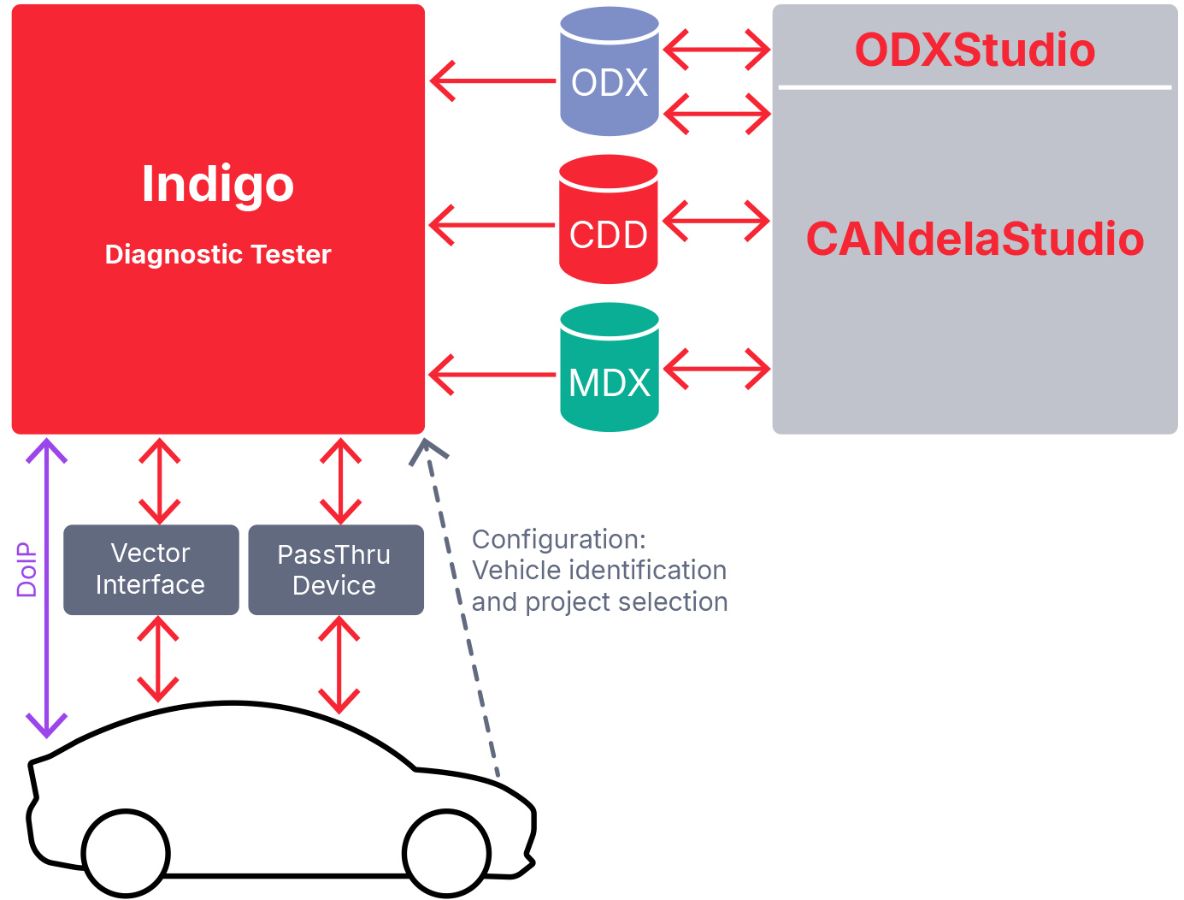
- Automatic configuration of diagnostic parameters using ODX or CANdelaStudio (CDD) diagnostic descriptions
Flexible
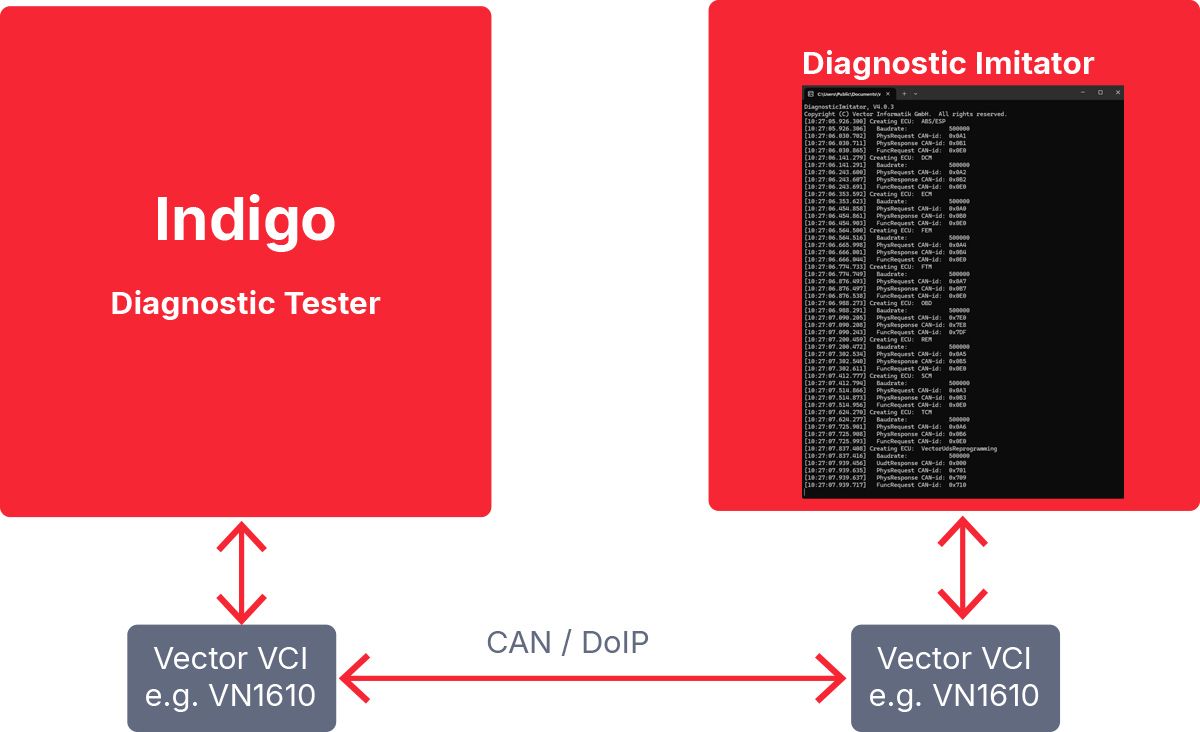
- Vehicle diagnostics and commercial vehicle diagnostics with many ECUs simultaneously, as well as diagnostics of individual ECUs in the vehicle or in a lab environment
- Perfectly suited for OEMs and suppliers
Customizable
- Can be integrated into existing development processes at OEMs and suppliers
- Development of customized diagnostic windows in C# with the Indigo Software Development Kit (Indigo SDK)
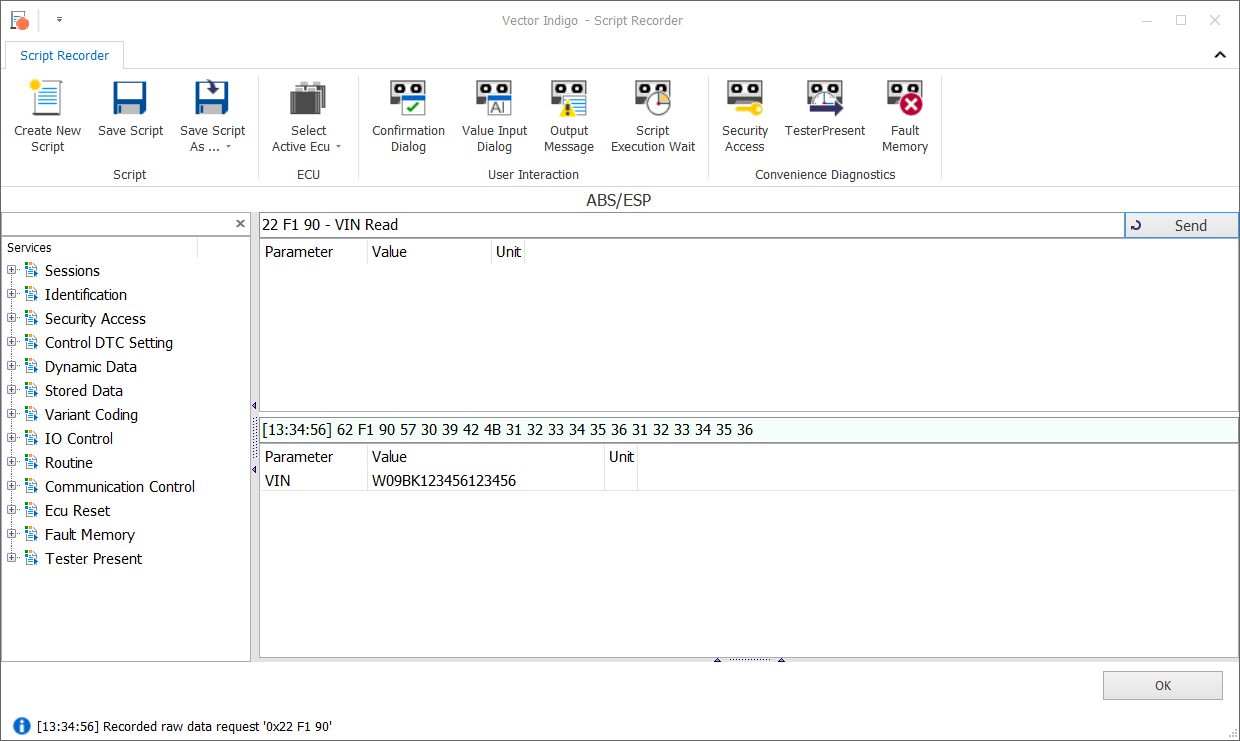
- Integrated environment for recording, editing and replaying diagnostic sequences/scripts using the Vector Diagnostic Scripting (VDS) library in C#
Completely
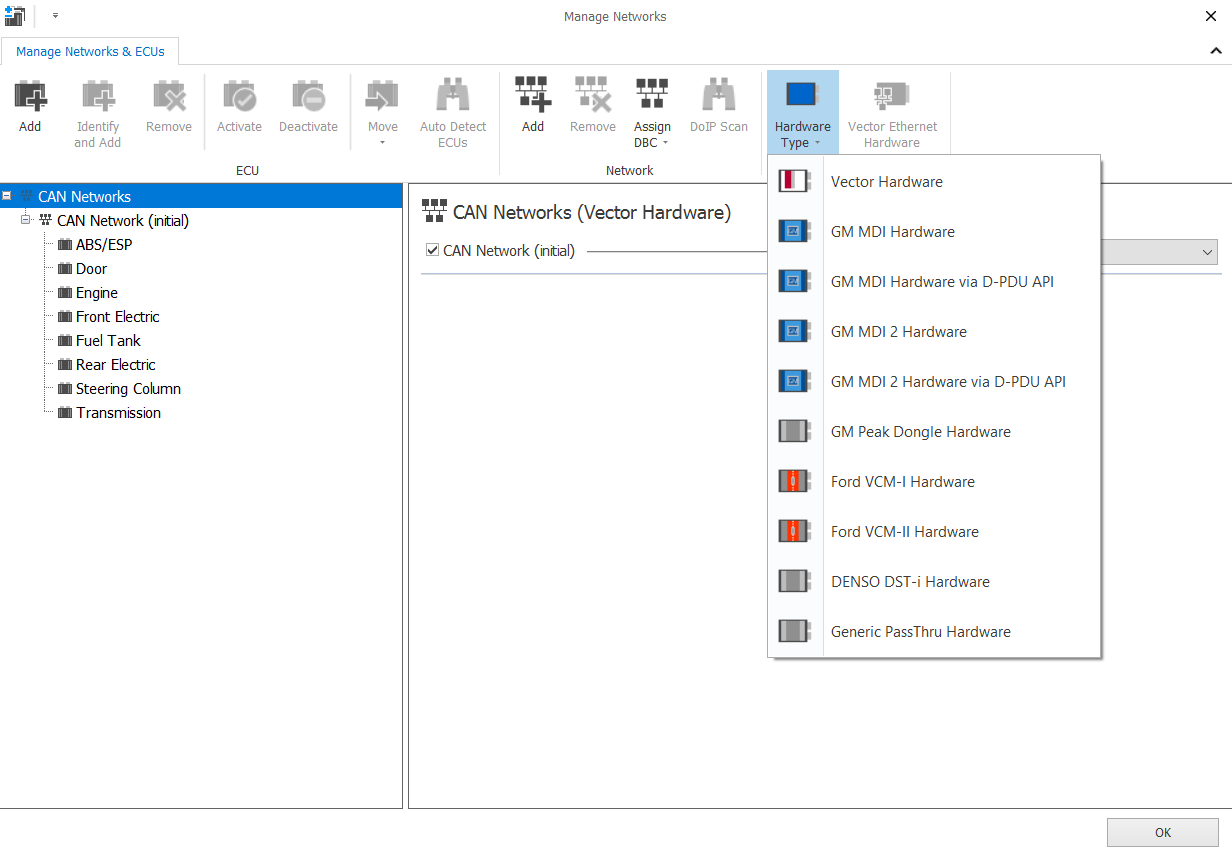
- Simultaneous communication over different bus systems: CAN (FD), K-Line and DoIP/.TLS as well as different diagnostic protocols: UDS, KWP2000, OBD2, WWH-OBD, HD-OBD, OBDonUDS and ZEVonUDS.
- Bus logging and (graphical) measurement of network signals from DBC/ARXML
Application Areas
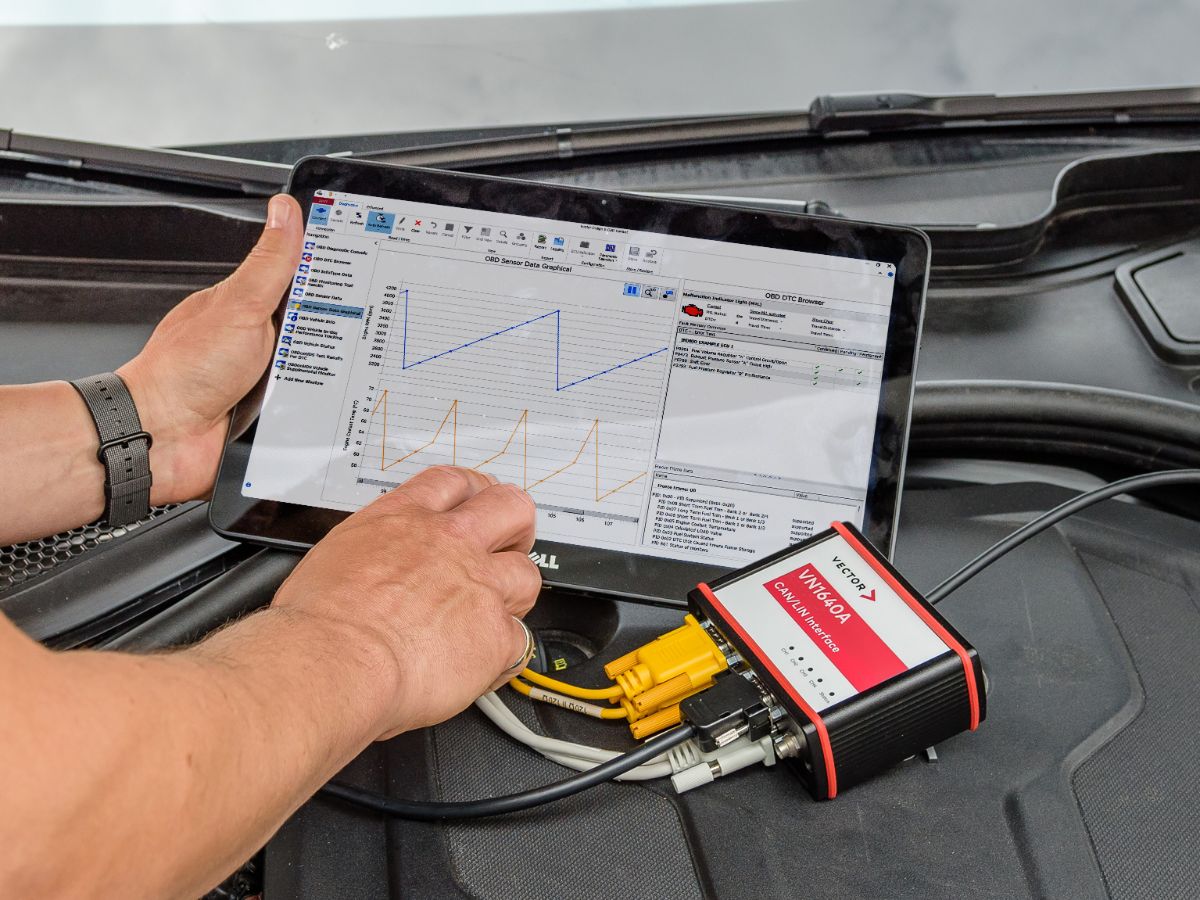
OBD Diagnostics
OBD Diagnostics
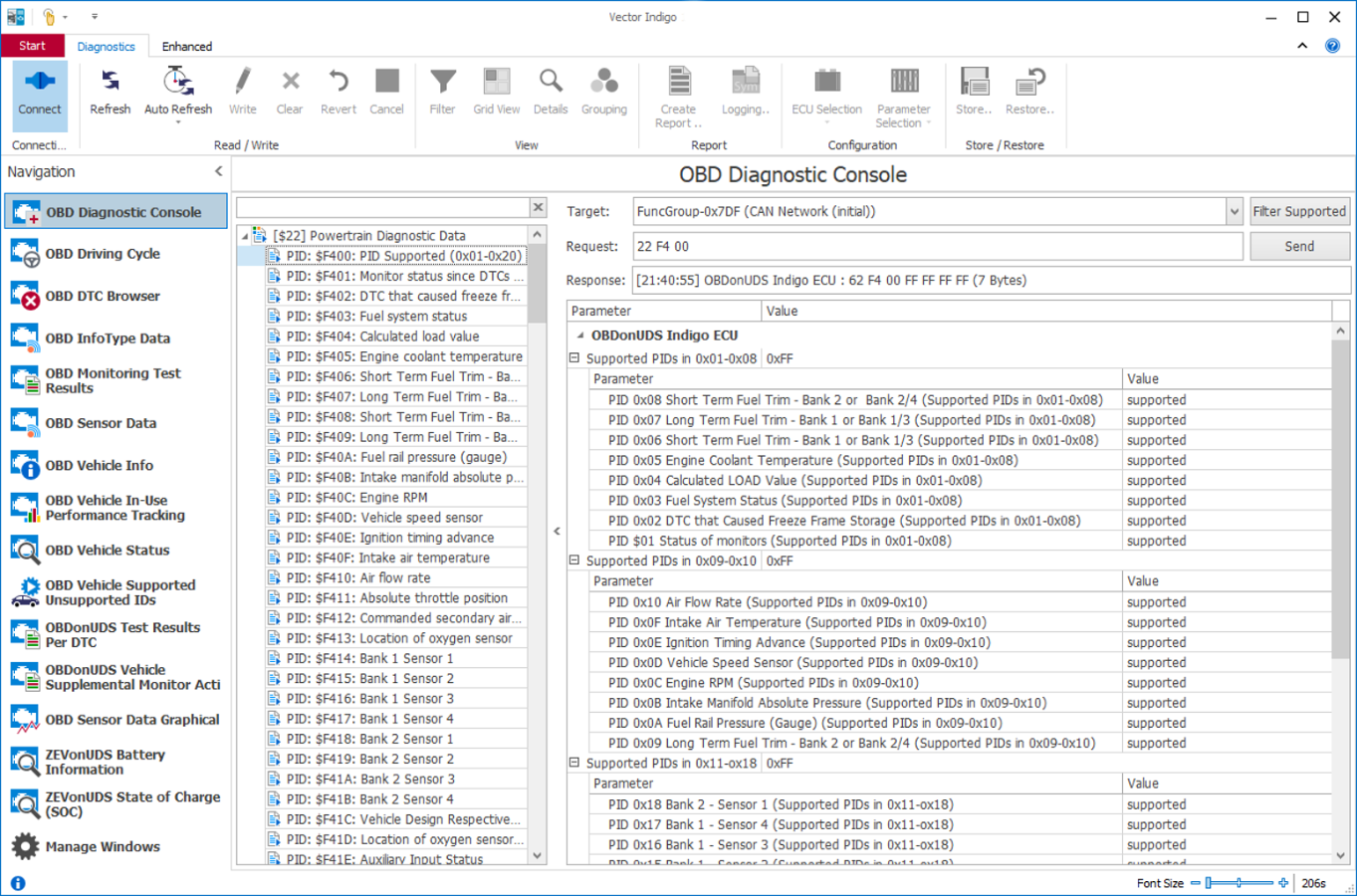
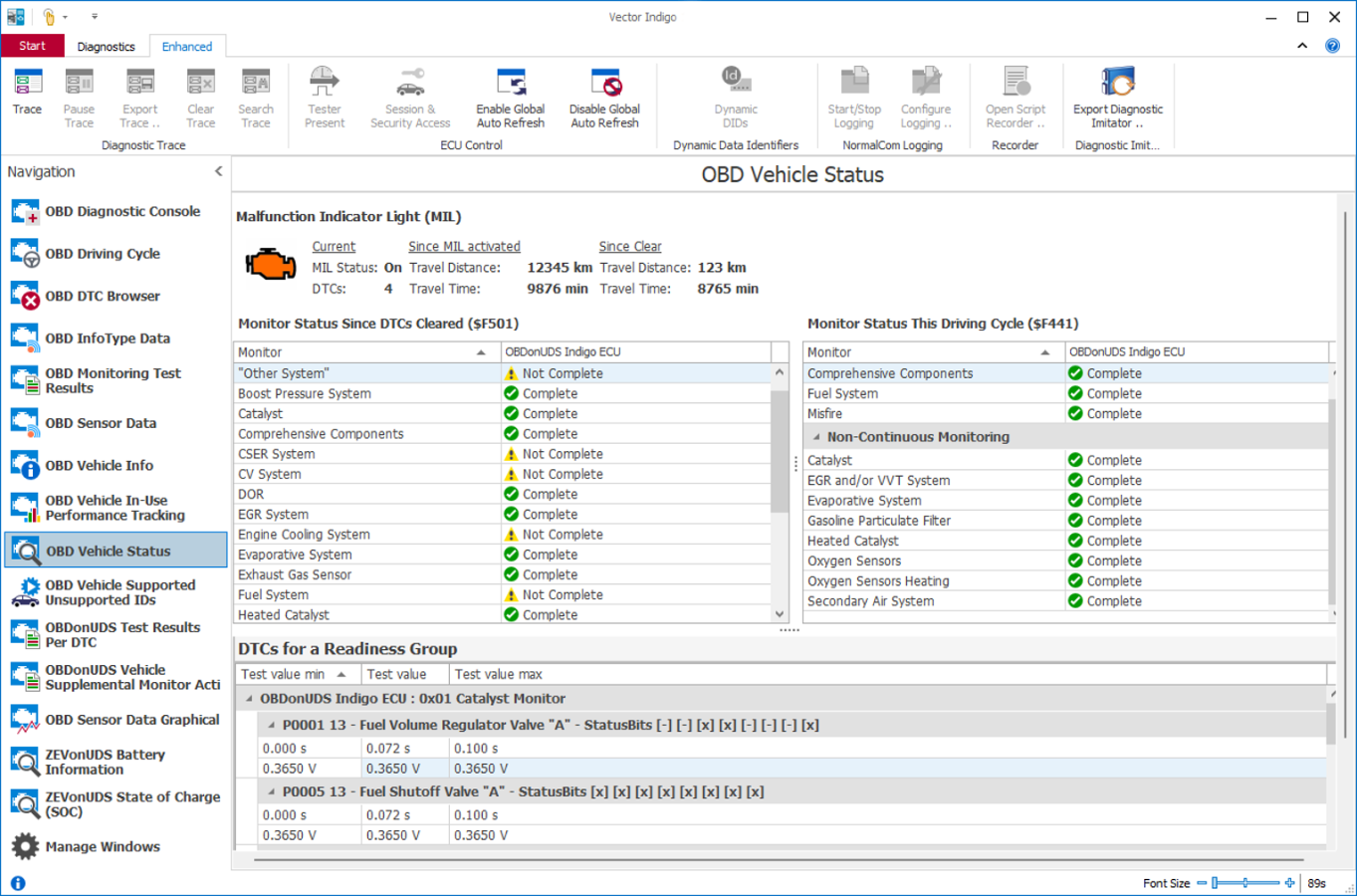
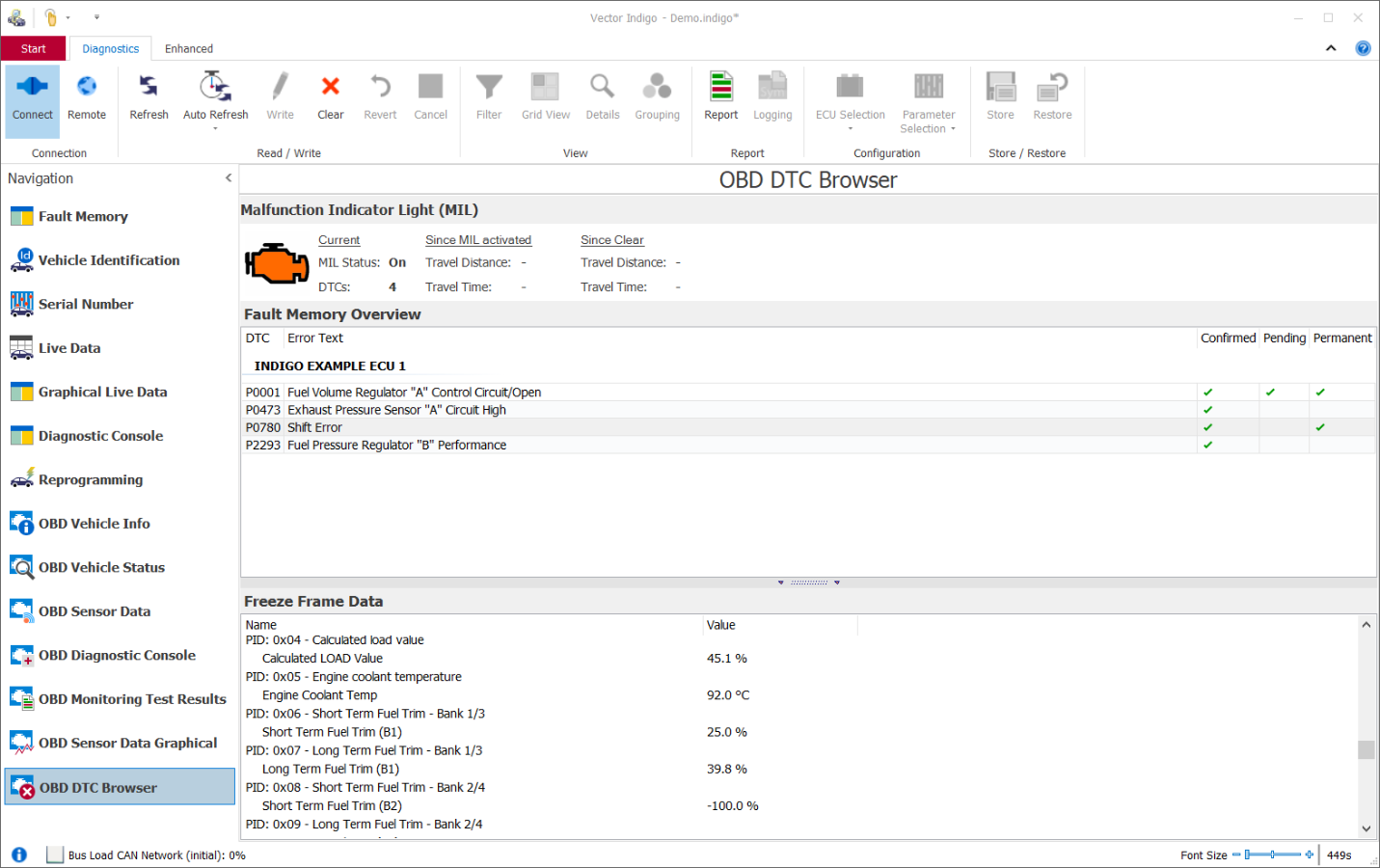
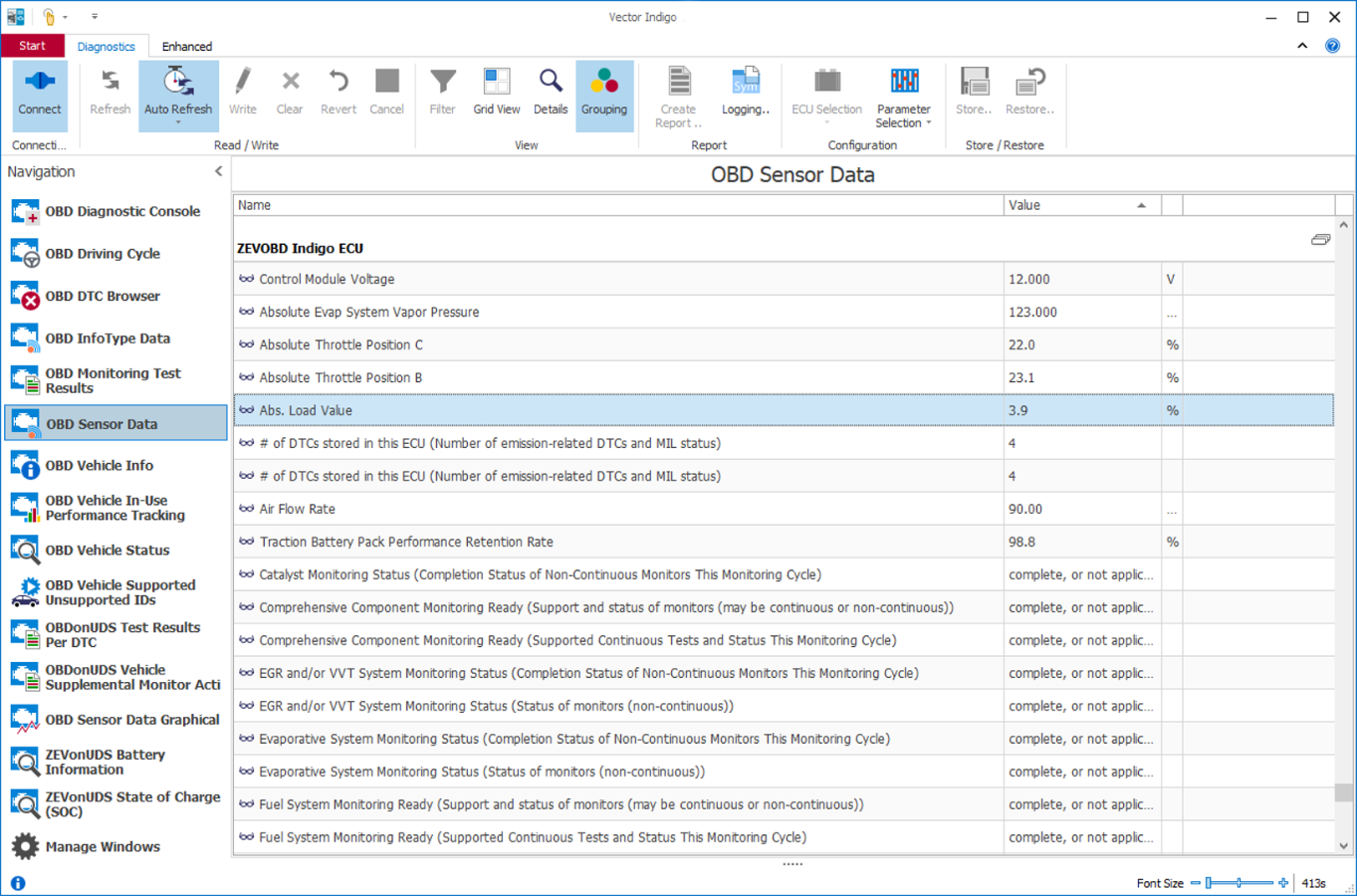
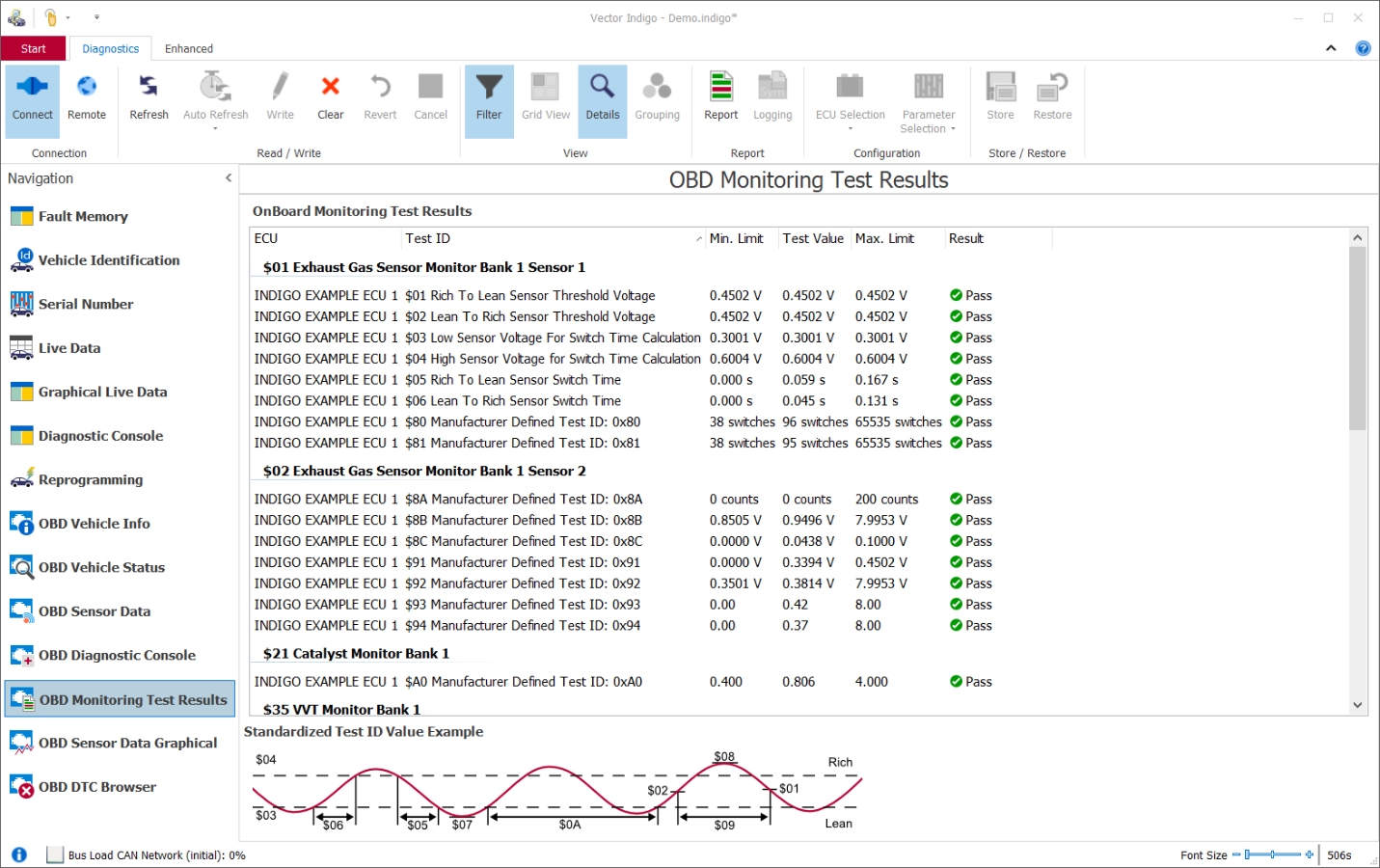
- Scan tool for OBDonUDS, ZEVonUDS, OBD2 and WWH-OBD protocols.
- Ideally suited for use in vehicle manufacturers' homologation departments or by service providers which perform homologation tests
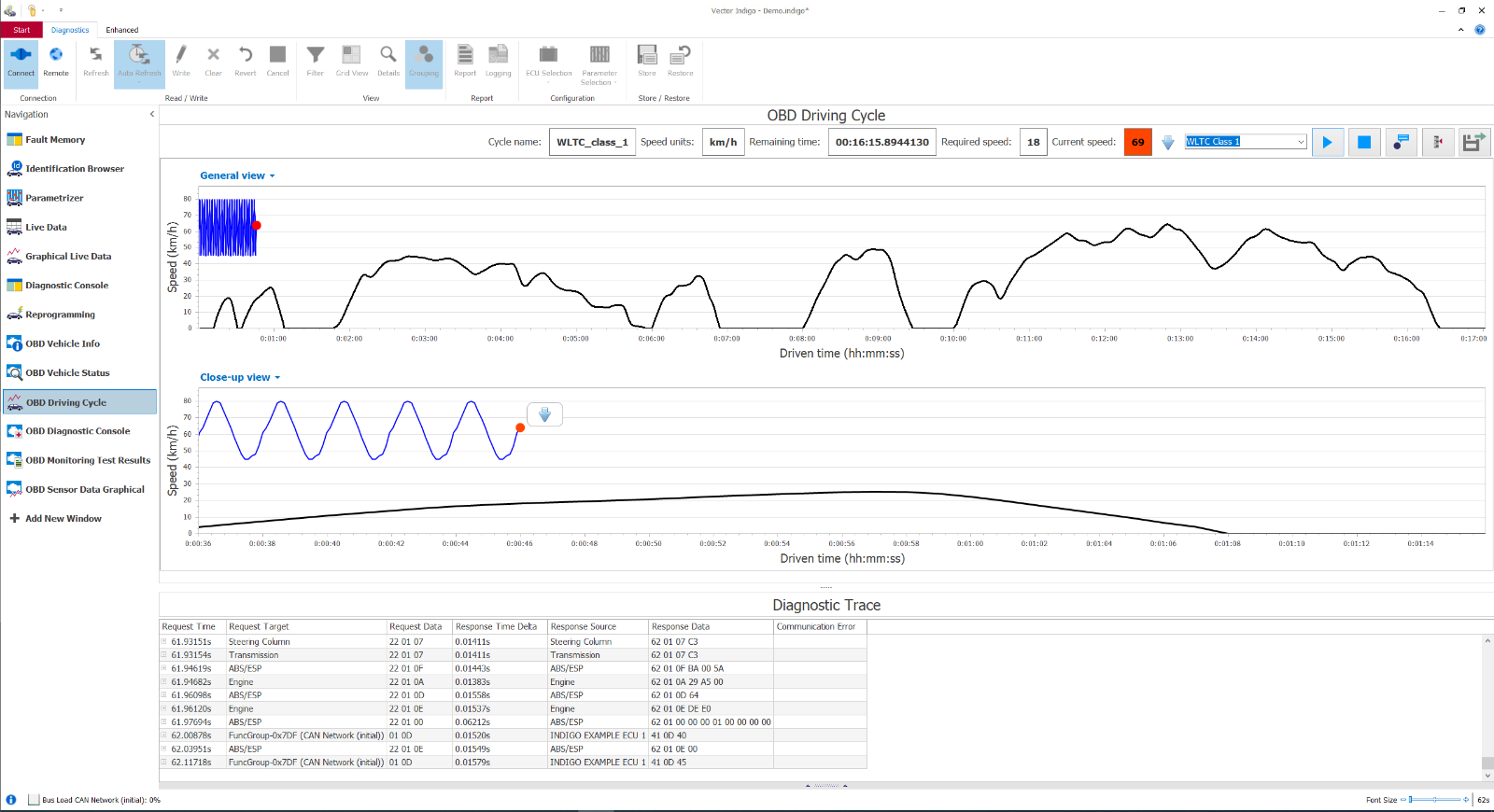
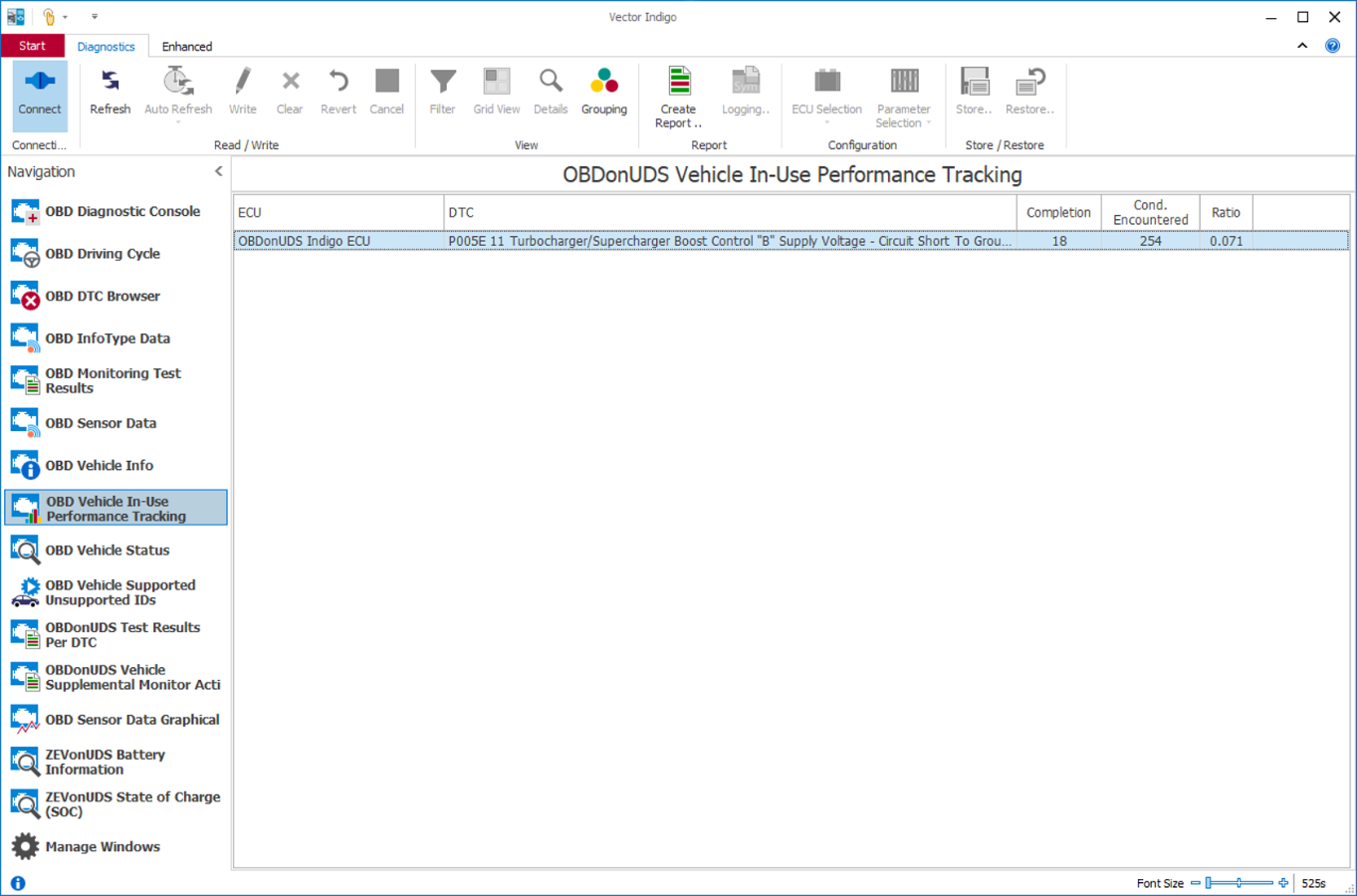
- Inspection of the entire OBD scope (e.g., DTC aging, monitor reporting, IUMPR and IUMPR Light ratios)
- Execution of OBD scripts and development of own OBD use case windows with the Indigo SDK (Software Development Kit)
Diagnostic Tester for ECU and Vehicle Development
Indigo is the perfect diagnostic tester in ECU and vehicle development. It is used throughout the entire development process, starting with the setup of ECUs in a laboratory environment, continuing through vehicle roll-out and modification in test workshops, and extending to vehicle test drives.
Freely Configurable User Interface
The user interface can be freely configured using predefined tools from a toolbox for different diagnostic tasks. The resulting interface is saved together with the diagnostic description files as a project or as Pack & Go.
The use of protected projects makes Indigo particularly suitable for collaboration with development partners and workshops:
- Extraction of sensitive diagnostic data (e.g., databases and private keys) is prevented
- Projects can be secured with passwords
- Expiration dates can be defined
Efficient Operation During Test Drives
For use on test drives, Indigo is operated quickly and specifically via keys.
Key functions can be triggered directly, such as:
- Measurement of data
- Readout of fault memories
The acquired data can also be temporarily stored for later analysis.
Reporting and Documentation
For documentation purposes, the user can generate reports in a clear and customizable form with Indigo. This supports transparent evaluation and easy sharing of results.
Extensibility with Indigo SDK
Indigo is easily extensible. The Indigo Software Development Kit (SDK) allows the integration of customer-specific application windows, enabling tailored extensions of the system.

Key Features
Use Case Windows [1]
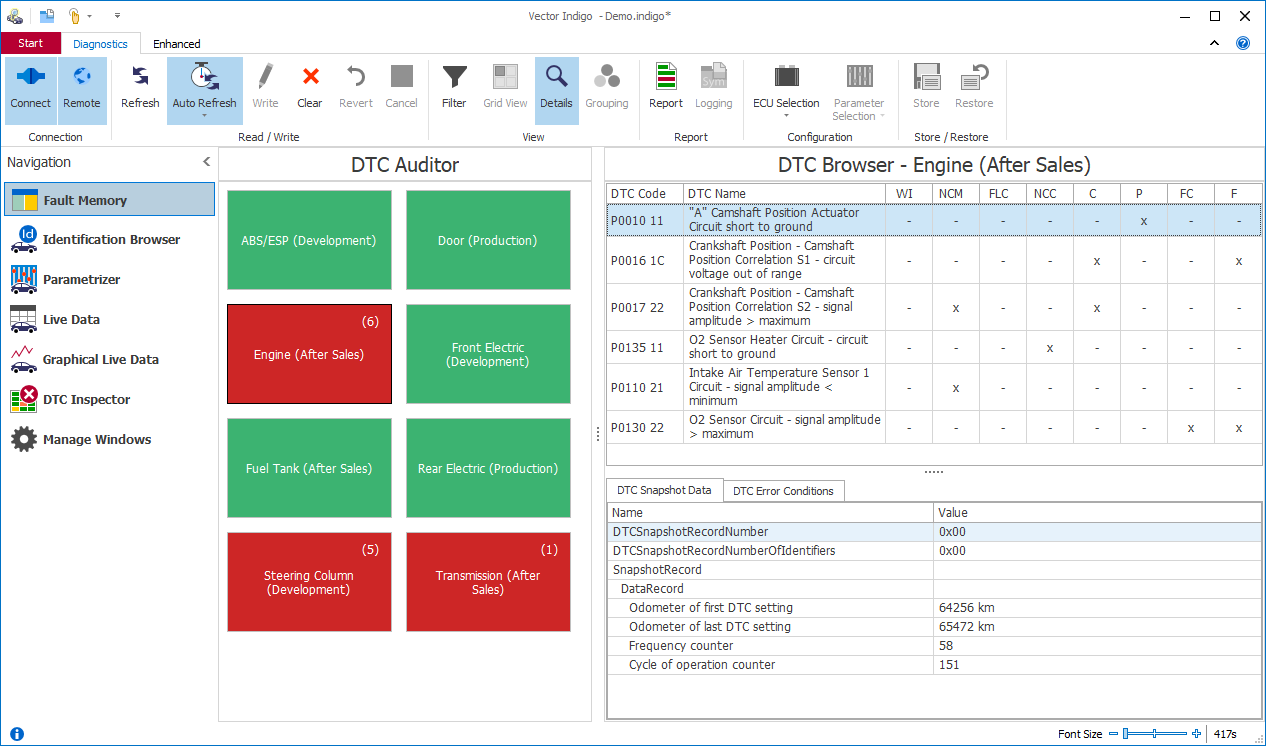
Read-out of the fault memory of individual ECUs or of an entire vehicle
- DTC Auditor: Graphical overview of all connected ECUs and their fault memory status with color coding.
- DTC Browser: Detailed display of identified DTCs per ECU with their status flags, environmental data and fault conditions.
- DTC Inspector: Overview of all DTCs supported per ECU with color coding of the DTC status.
Check, analyze and write diagnostic data of single or multiple ECUs
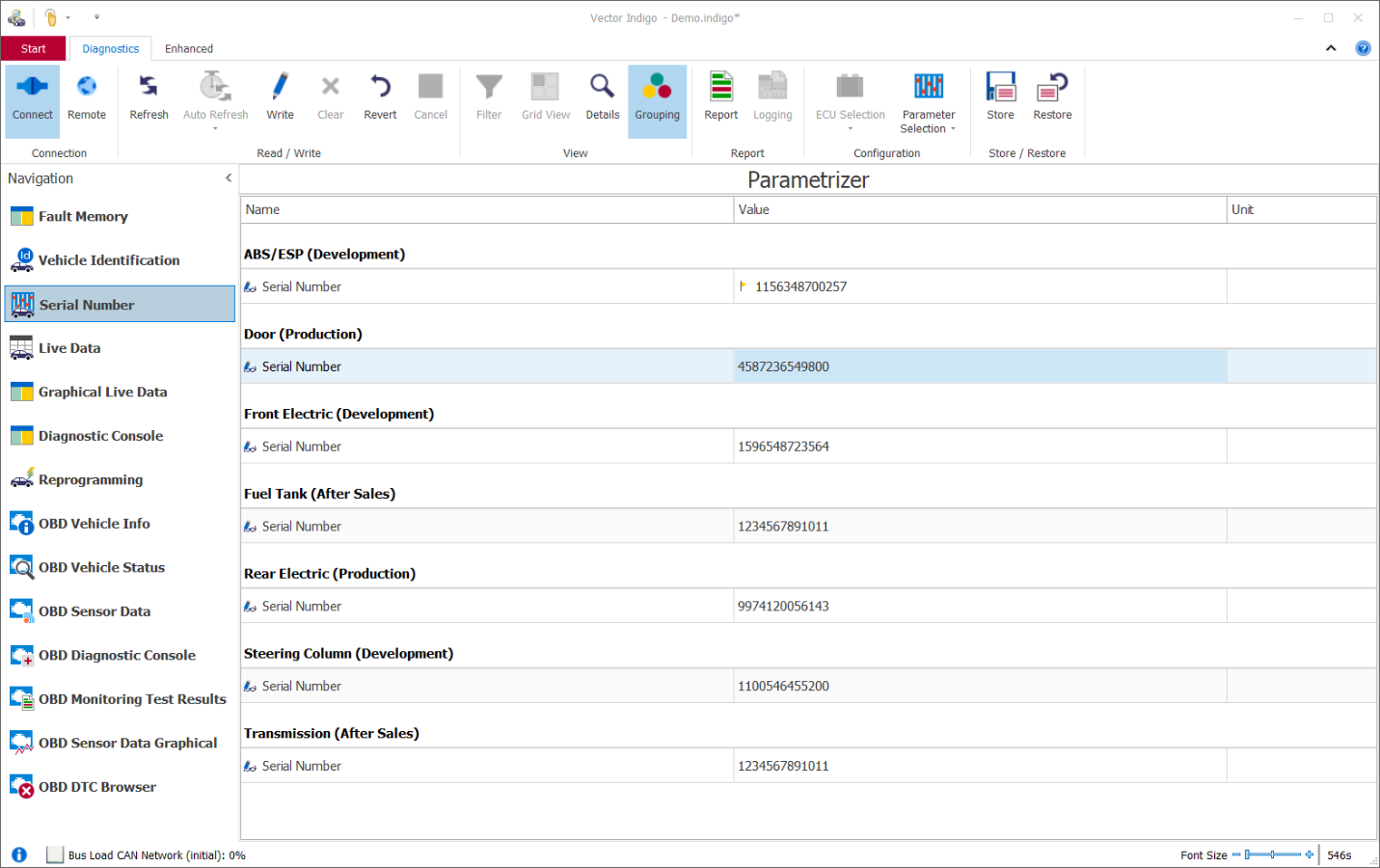
- Identification Browser: Capture of general information about the installed ECUs (e.g. serial number, version, VIN, ...).
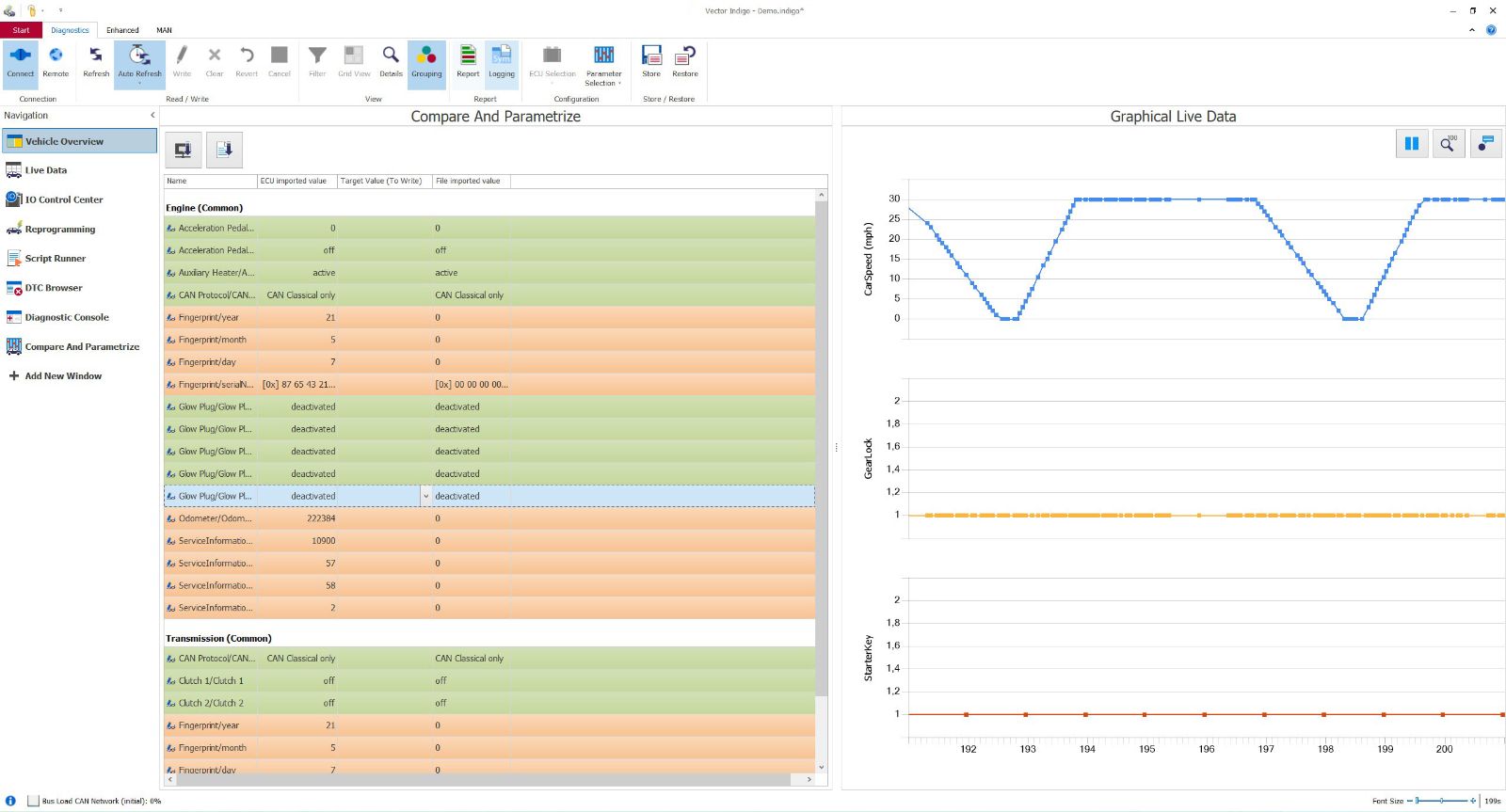
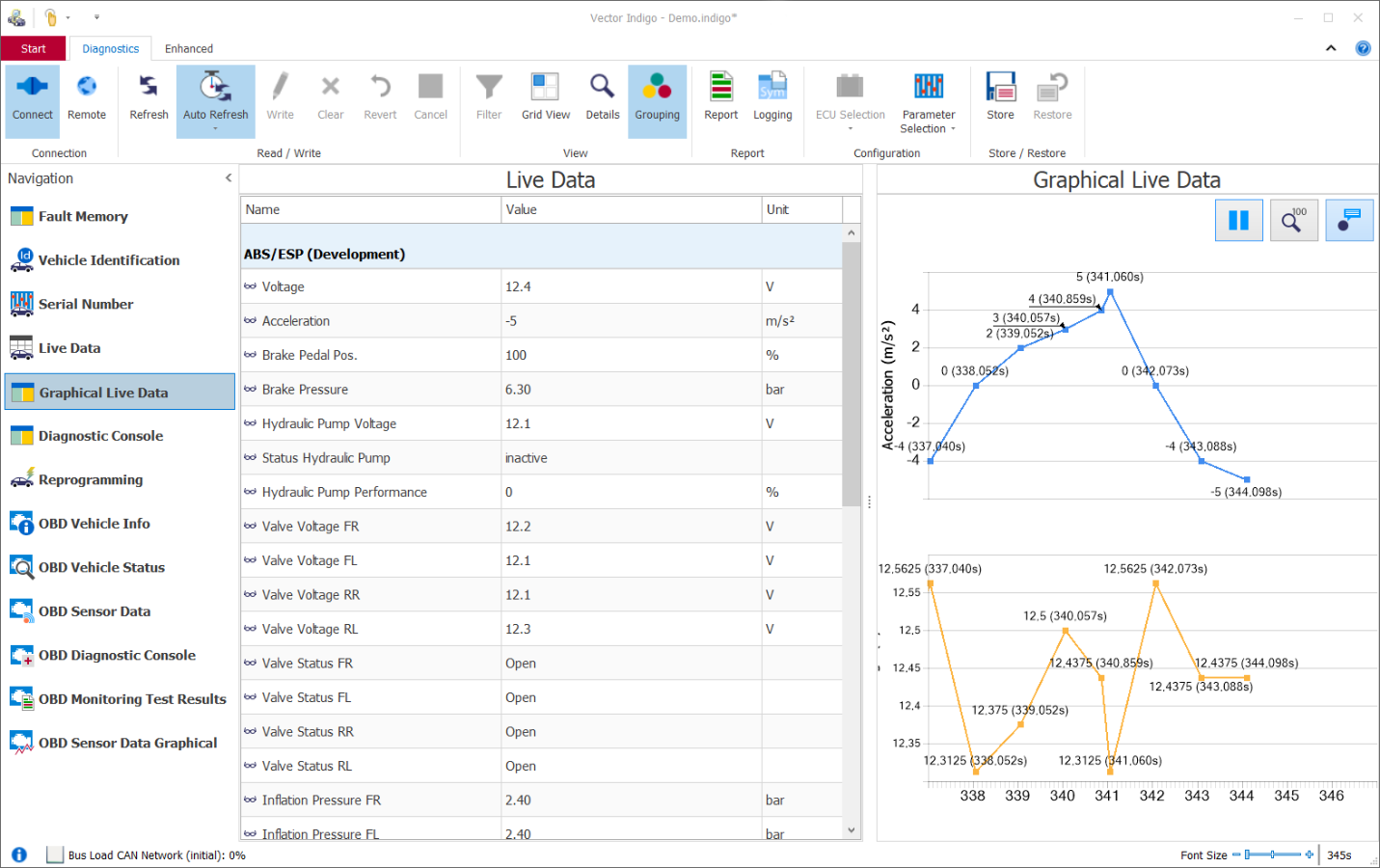
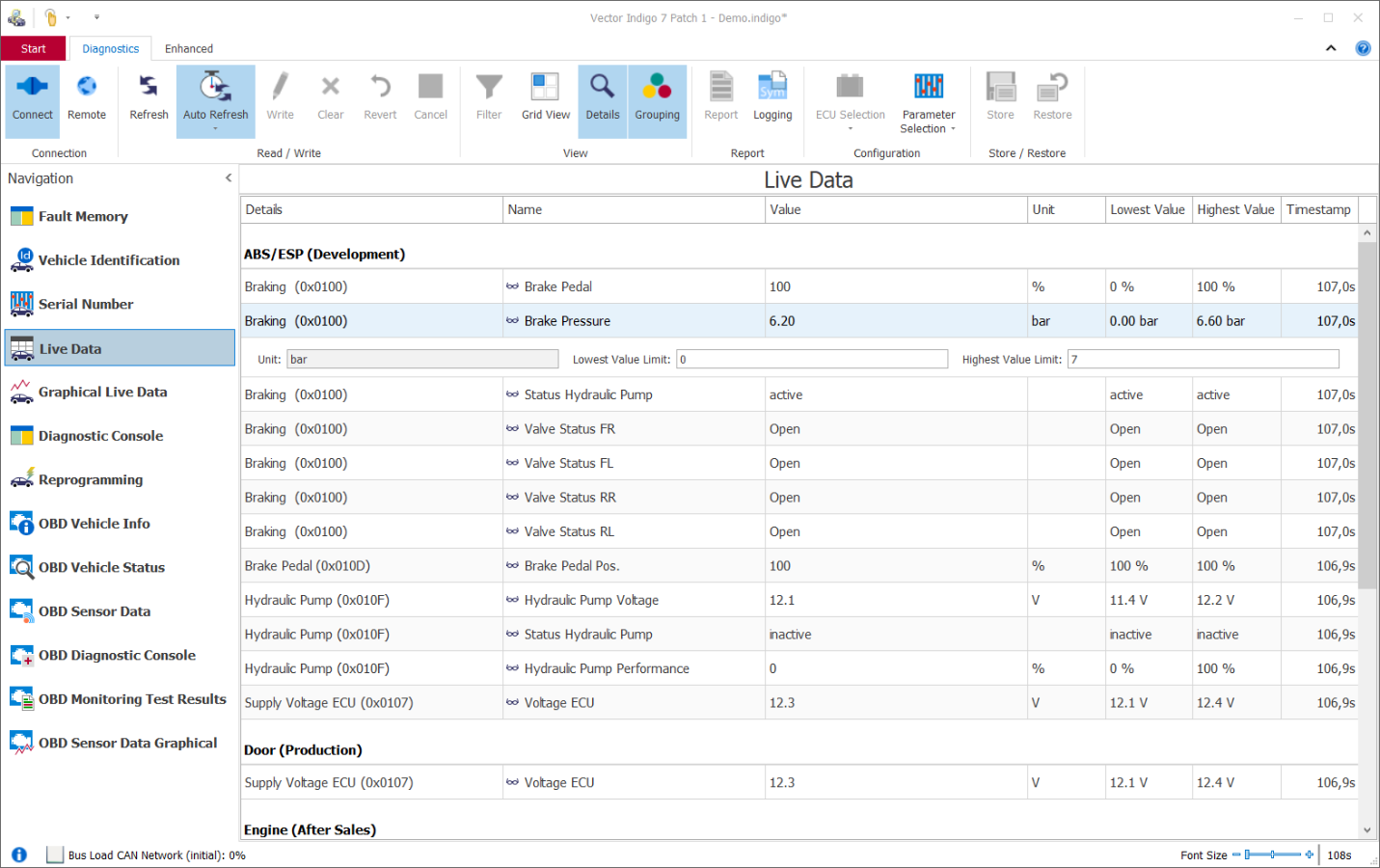
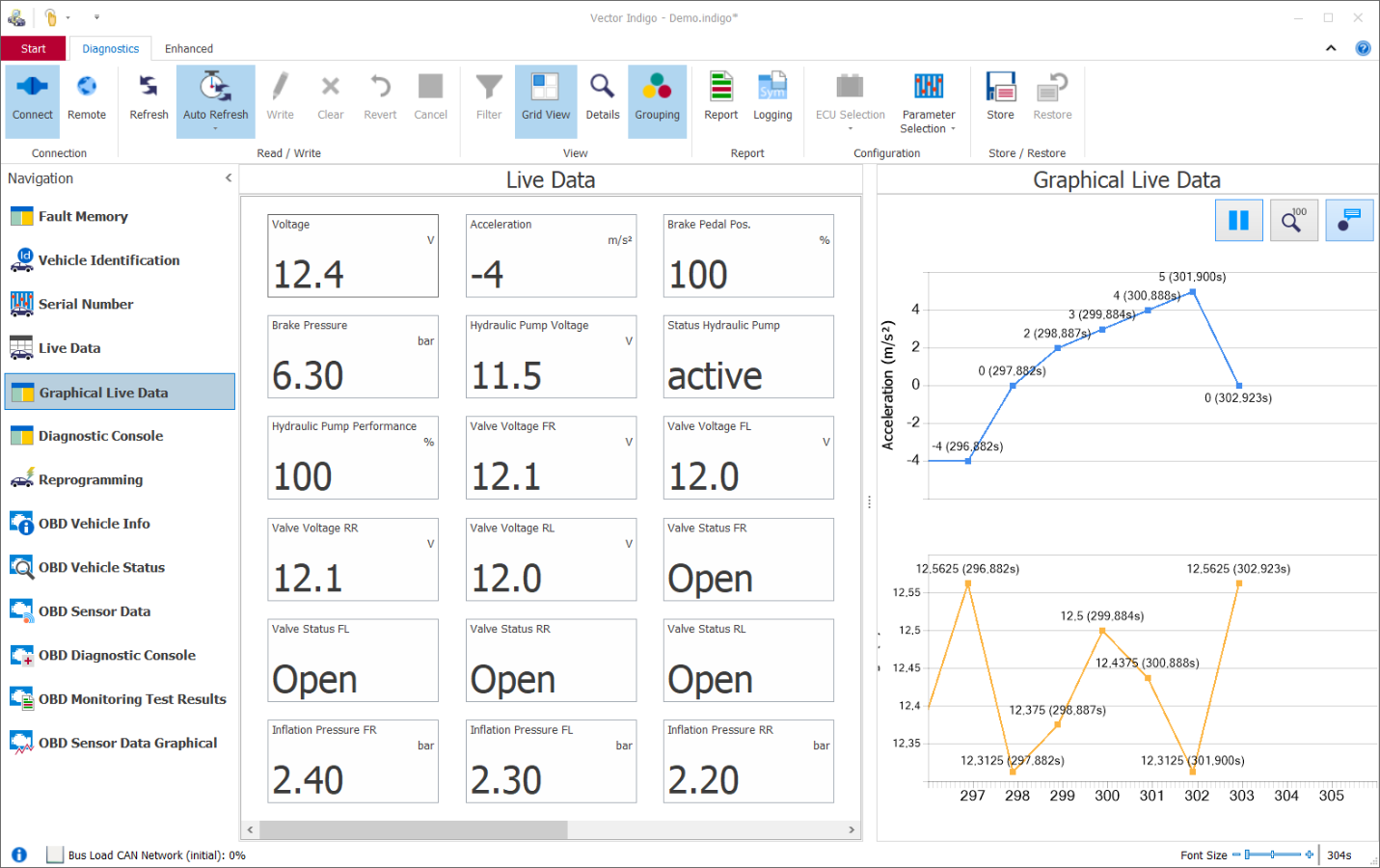
- Live Data & Graphical Live Data: Measurement of diagnostic data and CAN signals. The display can be either tabular or graphical. Export of measurement data as CSV or standardized MDF4 files for analysis in tools such as Vector CANape.
- Parametrizer: Readout or modification of selected parameters. At the point of input, the validity of new parameters is checked. Parameter sets can be saved and restored as needed.
- Compare and Parametrize: Compare an original ECU parameter set with the commissioning parameter set.
Execution of routines stored in ECUs
- Routine Control Center: Start or stop the execution of remote routines (e.g. UDS service 0x31) and check the result of the routine.
Testing actuators of single or multiple ECUs
- IO Control Center: Convenient control for selected actuators in the ECU.
Videos
Images
Highlights of Version 12
Extended OBD Functionality
Indigo 12 extends OBD diagnostics to include the latest standards, new value ranges, and a comprehensive vehicle report.
OBD Standards and DTCs:
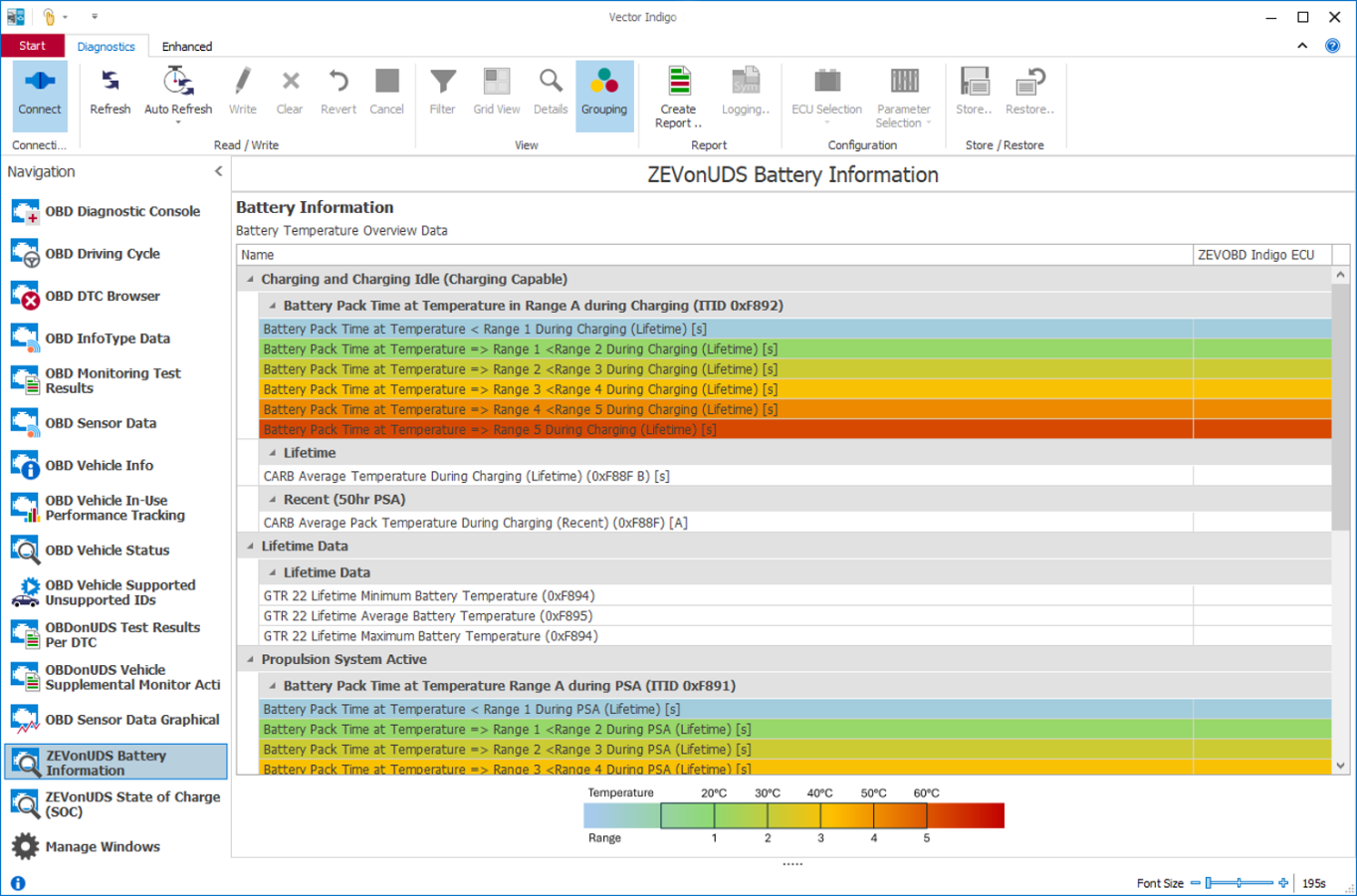
- Indigo 12 supports new OBD DTCs in accordance with SAE J2012-DA:202510, as well as expanded value ranges for ZEVonUDS battery information and State of Charge
OBD Vehicle Report:
- The new OBD Vehicle Report consolidates OBD data from all detected ECUs into a single report. Users can flexibly specify which information should be included. This quickly provides a clear overview of the vehicle’s diagnostic status.
OBD Vehicle Info:
- For DoIP-based OBD scenarios, the display of ECU information has been improved: Instead of an empty CAN-ID field, Indigo now displays the ECU’s logical destination address.
Benefits:
- Comprehensive OBD vehicle report covering all detected ECUs
- Flexible selection of report content
- Greater clarity in DoIP-based OBD scenarios
FAQs
Supported Hardware
Services / Downloads