
vTESTstudio is a comprehensive test design environment used to define, structure, and manage test sequences for system and software testing. It supports multiple editors and notations that help teams create clear, maintainable, and reusable test logic.
It is intended for engineers who design test cases, document test concepts, work with requirement traceability, or prepare tests to be executed in connected test environments. vTESTstudio integrates into typical test workflows, enabling consistent test documentation and traceable test design across the lifecycle.
Advantages
- Seamless integration with CANoe, e.g. through direct access to symbols of the XIL test environment (HIL, SIL, MIL...)
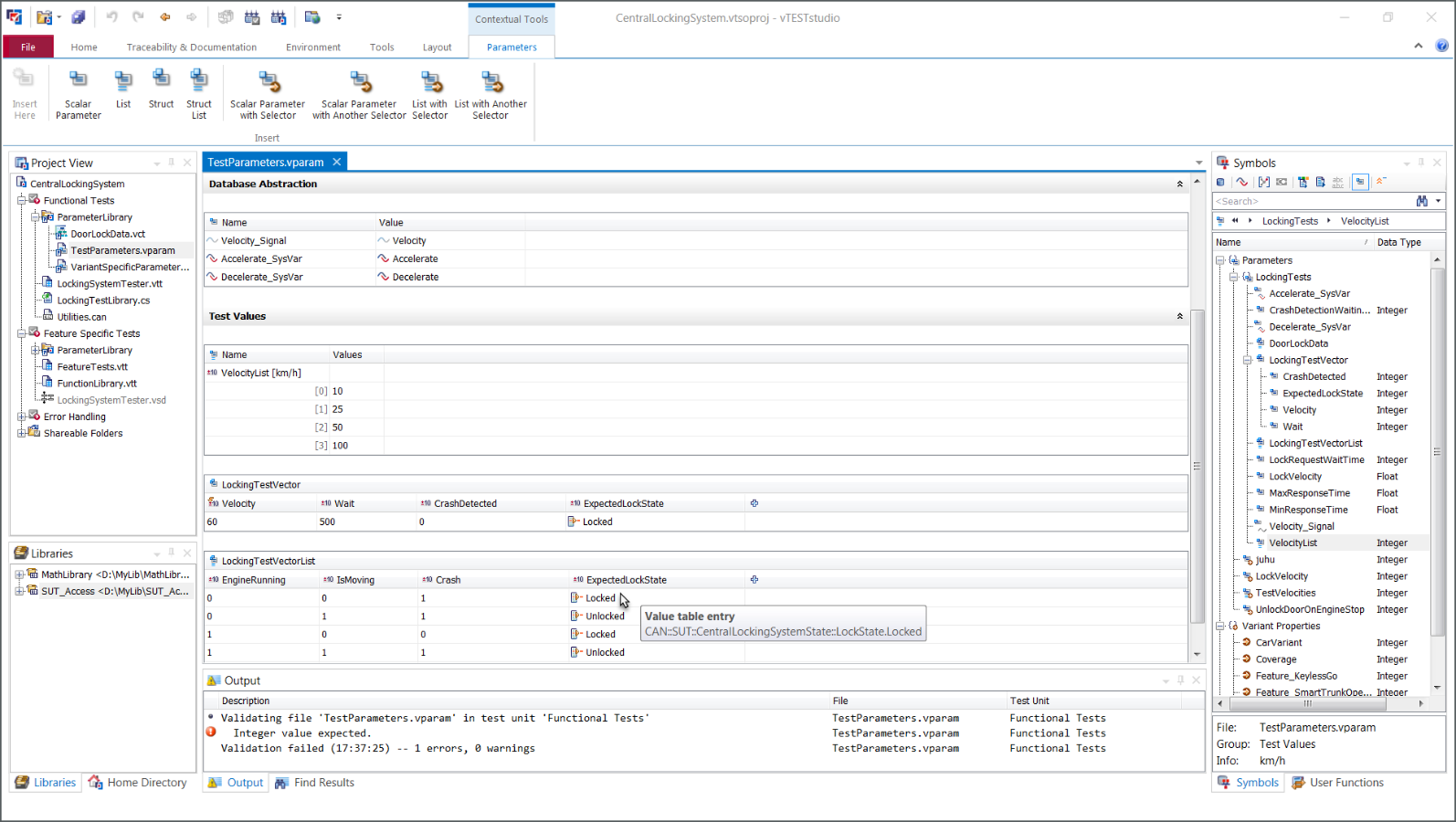
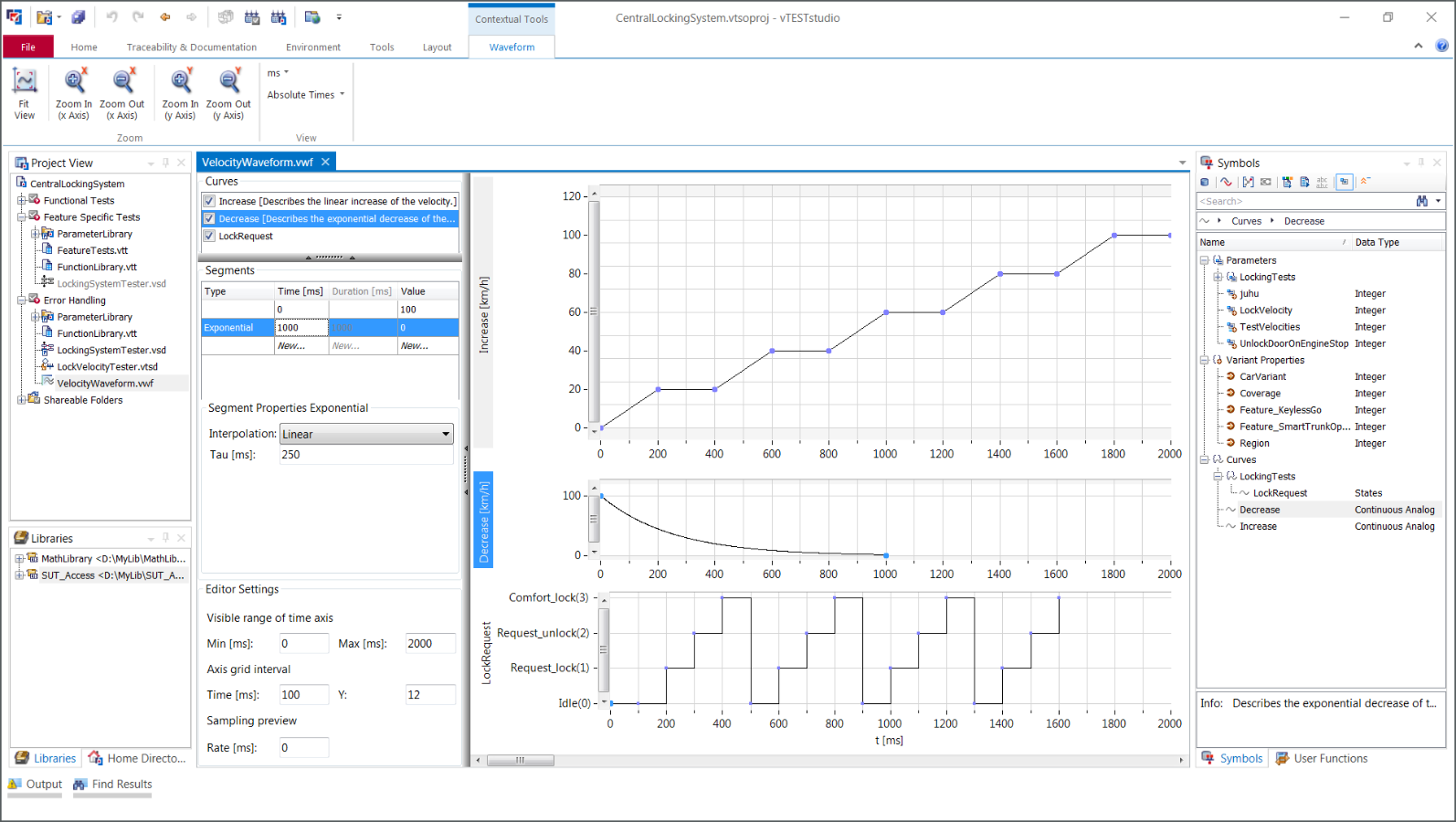
- High test coverage without programming effort due to the support of parameterized test case lists and stimulation curves
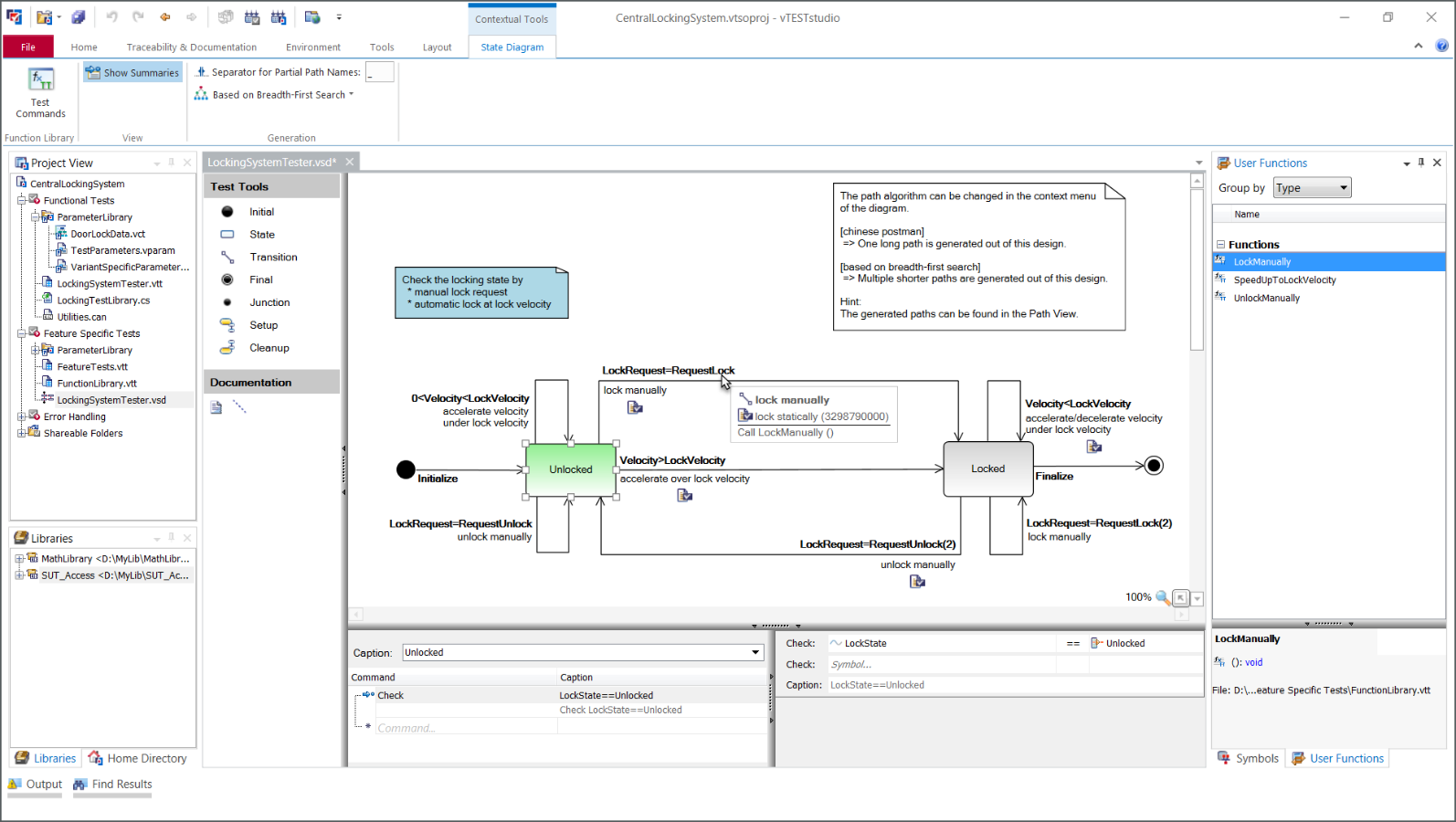
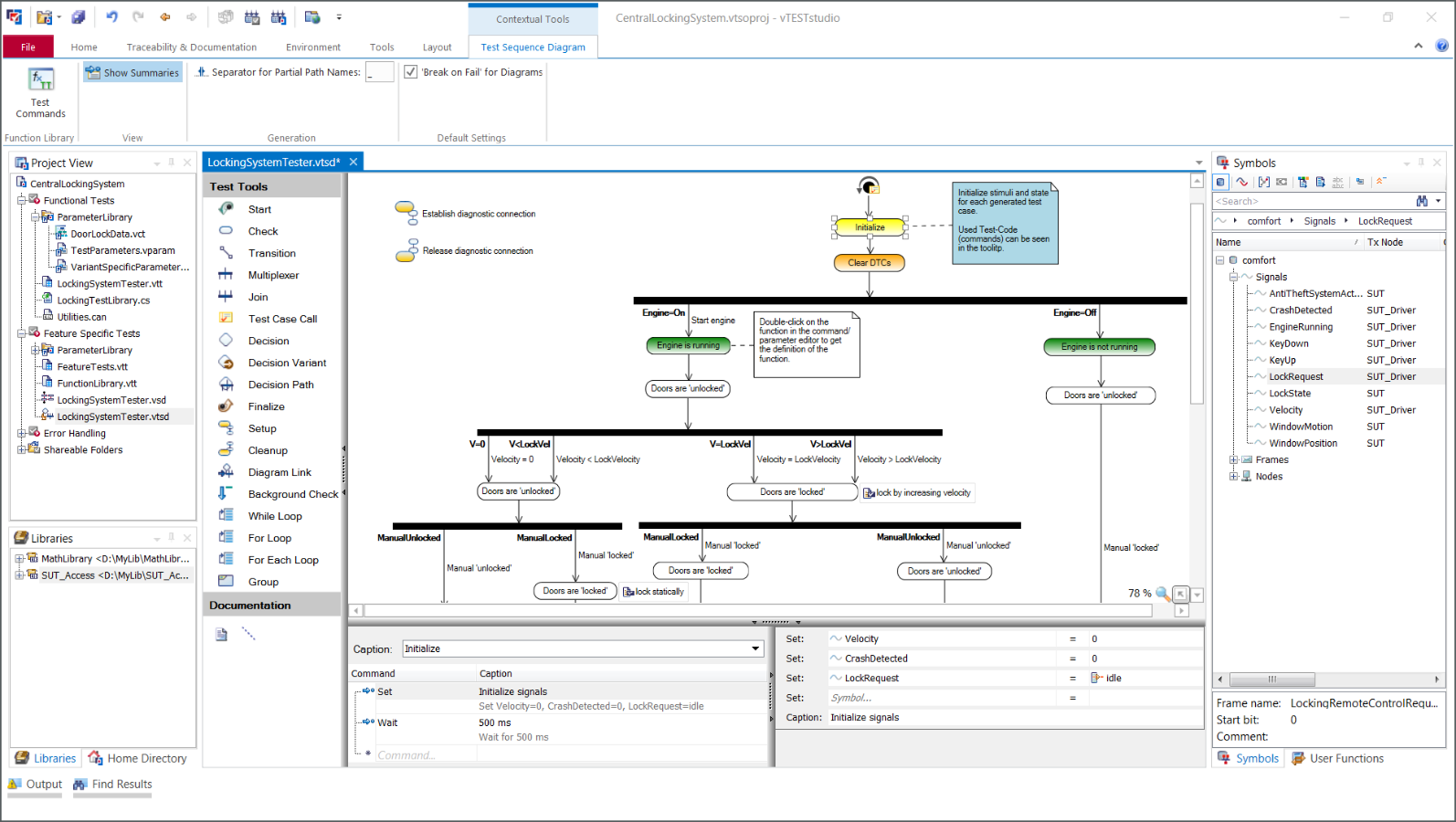
- Graphical clarity with test diagrams: visualize and design test flows, sequences, and logic for easier communication and maintenance.
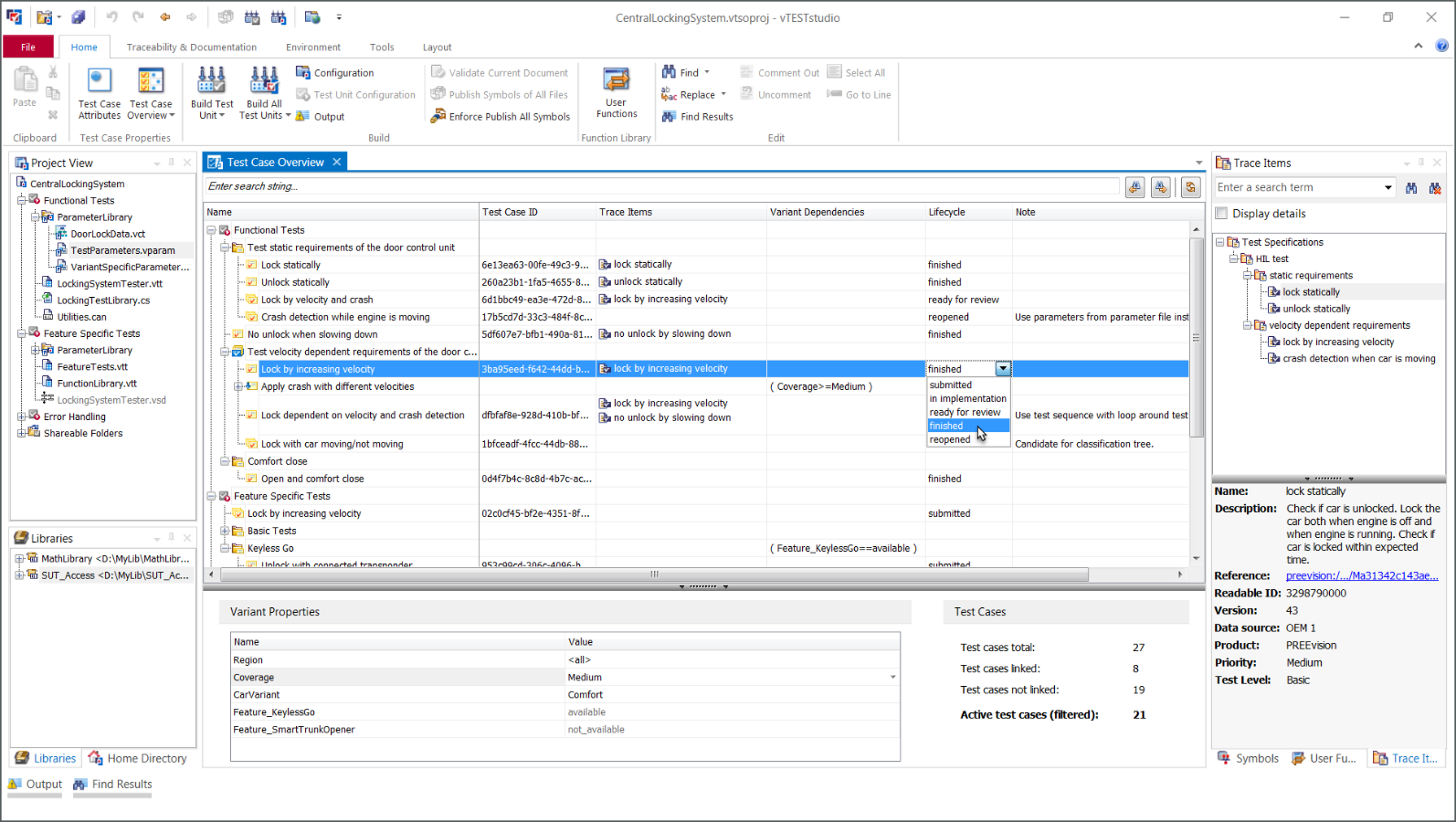
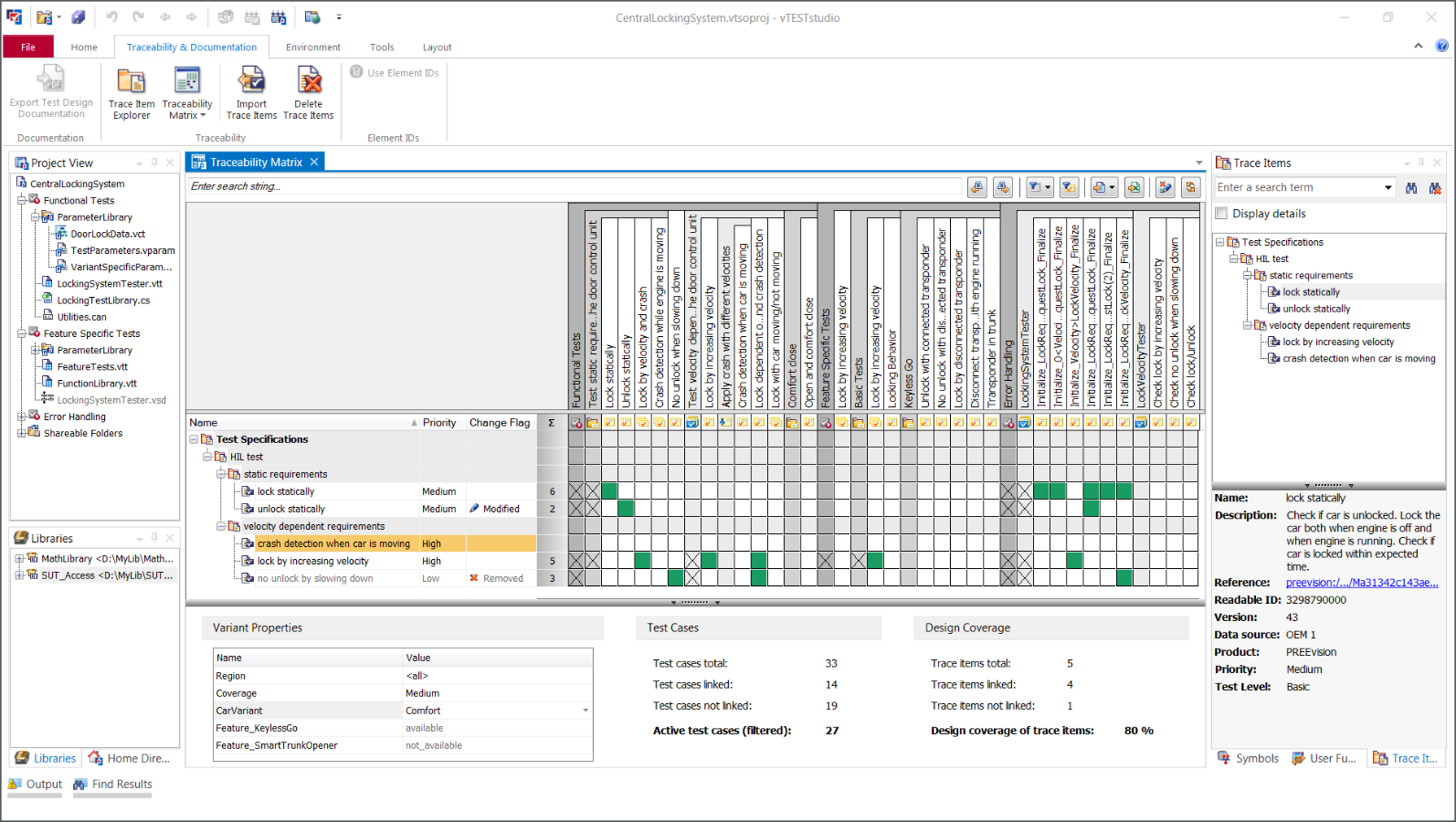
- Traceability support: consistent traceability of externally defined requirements and test specifications
- Reusable building blocks: reuse and easily maintain test cases, parameters, and variants to reduce effort across projects.
Product Overview
vTESTstudio brings together graphical, tabular, and textual test design techniques to help you build test logic that is easy to understand, maintain, and share.
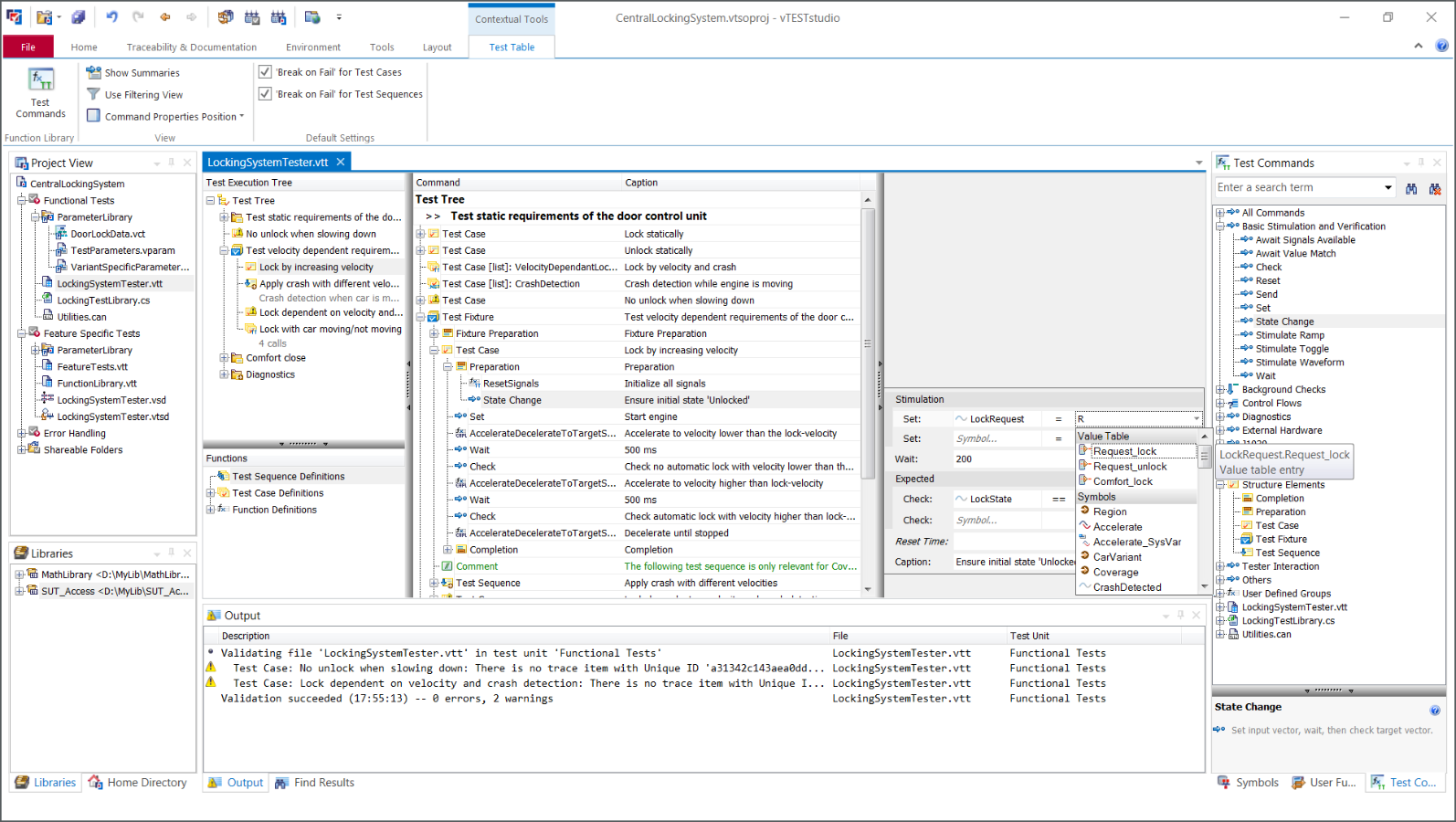
With vTESTstudio, you design test cases using a compatible set of editors, ranging from tables and diagrams to parameter and waveform editors. This environment supports the full process of building robust test sequences: from defining input data and stimulation curves to structuring test sequences and documenting the underlying test concepts.
Its integrated traceability capabilities allow you to link test cases with requirement and test management systems. This supports transparent test coverage and ensures that each implemented test can be traced back to its original intent.
vTESTstudio also provides dedicated functionality for fuzz testing, enabling the creation of randomized and fault-injection–oriented test inputs. This helps uncover robustness issues early and strengthens the overall test strategy.
Due to vTESTstudio’s seamless integration with CANoe you can execute tests in every environment: from experimental and interactive to headless and fully automated execution in pipelines.
Key Features
Test Design Editors
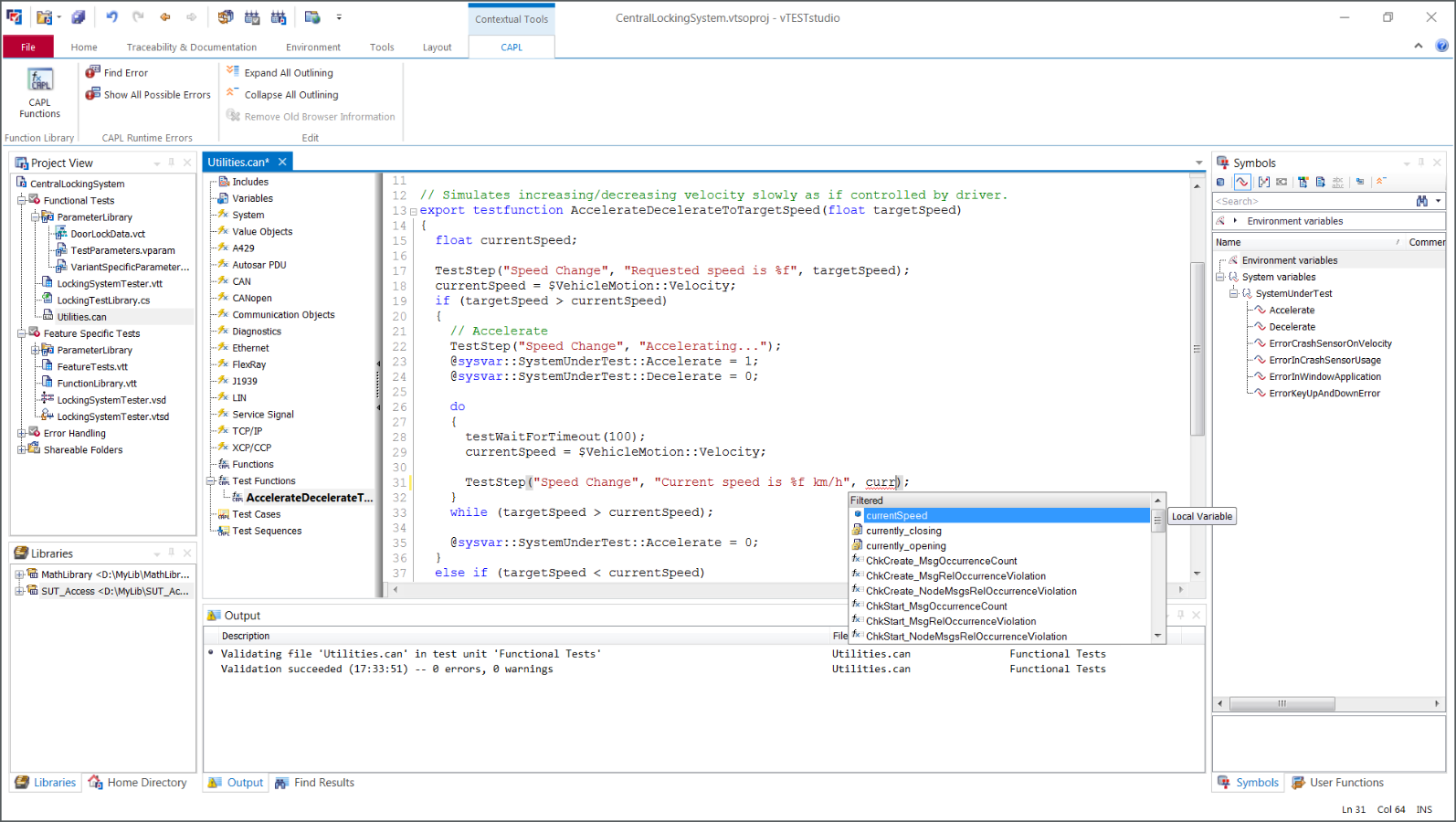
Design automated tests quickly with intuitive graphical editors and switch between complementary design techniques to match your testing task.
Test Coverage and Parametrization
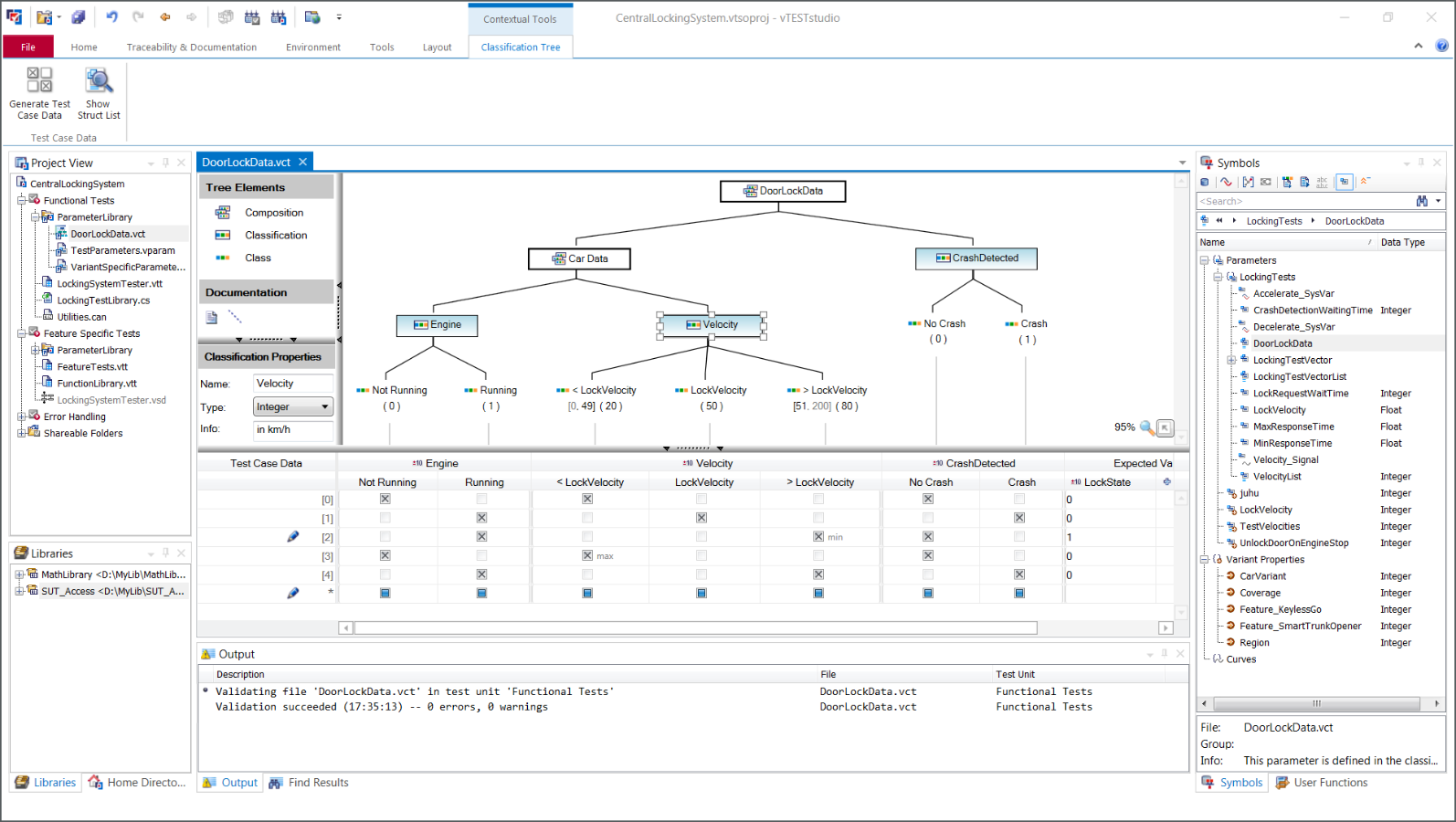
Increase coverage efficiently with parameterized test case lists. Define stimulation curves and parameters (e.g., via classification trees) to drive systematic, repeatable test variation.
Variant Handling
Manage SUT variants and test variants consistently using variant properties - so you can adapt structure, sequences, and parameter values without duplicating work. Reuse test functions, parameters, and libraries across projects and product lines.
Traceability
Link externally defined requirements or test specifications to your test cases and trace them through to the test report. vTESTstudio supports coupling to REQM/TDM systems via ready-to-use Connection Utilities and open exchange formats.
Fuzz Testing
Define robustness tests for your SUT conveniently. The integrated fuzz test generator creates a high number of test vectors (including rule-based and random values) to stimulate the SUT.
Highlights vTESTstudio Version 11
- Up-to-date creation of C# and Python files through the support of .NET 10 and Python Virtual Environments
- Improved reusability through the use of .NET assemblies in CAPL files
- Seamless support of system variables in the DevOps workflow with CANoe Server Editions
- Enhanced traceability with Jira Xray through the Jira Connection Utility
- Improved user-friendliness by adopting changes in the options and the TSO.ini file for new vTESTstudio versions
- Support of enumerations in interface functions for distributed objects (DOs)
Gallery
Product Description
Services

Downloads
Keep your Vector products up to date with the latest software versions.

KnowledgeBase
Our KnowledgeBase provides the most important FAQs for you.

Support
Get support for technical questions or would you like to get technical advice for vTESTstudio.

Trainings
Benefit from our trainings and advanced training offers in order to use vTESTstudio even more efficiently in your daily work.
Related Pages

CANoe
CANoe Server Editions
vVIRTUALtarget